


Michael Anderson
Former journalist turned tech writer with a passion for helping professionals enhance productivity through AI.
Introduction: The Anchor of Digital Identity
In the chaotic sprawl of the modern internet, where users navigate through dozens of open tabs and endless application grids, digital presence is often reduced to a 16×16 pixel square: the favicon. By 2026, this tiny piece of screen real estate has evolved from a mere technical necessity into a critical component of user experience, brand trust, and search engine visibility. It is the visual anchor that allows a user to return to a workflow, the badge that signifies a secure connection, and increasingly, a dynamic element that adapts to the user’s environment.
For nearly two decades, the creation of a favicon was a tedious, fragmented process involving complex design software, plugin converters, and a struggle against pixelation. Designers often had to manually pixel-push raster images to ensure they remained legible at microscopic sizes. However, the democratization of Artificial Intelligence has fundamentally disrupted this workflow. The landscape of 2026 is no longer defined by manual resizing or basic format conversion; it is defined by generative design, intelligent vectorization, and automated code compliance.
The current market offers a sophisticated array of AI-driven tools capable of understanding brand nuance—distinguishing the visual language of a fintech startup from that of an artisanal bakery—and translating that abstract identity into a coherent, scalable icon. More importantly, these tools now handle the invisible complexity of the modern web: the dark mode preferences, the high-density “Retina” displays, and the rigorous requirements of Progressive Web Apps (PWAs).
This comprehensive report provides an exhaustive analysis of the top 15 AI favicon generators available in 2026. Through a rigorous methodology filtering for vector support, output fidelity, and commercial viability, this research delineates the tools that are shaping the future of micro-branding. It moves beyond simple feature listing to explore the second-order implications of these technologies—how they influence load speeds, accessibility, and the very nature of how brands are perceived in a browser tab.

The Technical Landscape: Favicon Standards in 2026
To evaluate the efficacy of an AI generator, one must first understand the rigorous technical environment in which a favicon must operate. The standards for web icons have shifted dramatically from the simple
.ico files of the early 2000s. In 2026, a favicon is not a single file; it is a system of assets governed by complex browser heuristics and operating system requirements.The Imperative of Vector Graphics (SVG)
For years, favicons were raster images—grids of colored pixels. While sufficient for low-resolution CRT monitors, this format crumbles under the scrutiny of modern display technology. The proliferation of 4K and 8K monitors, alongside high-pixel-density mobile screens, has rendered the traditional 16px raster icon obsolete. The industry standard has decisively shifted toward Scalable Vector Graphics (SVG).
Unlike raster formats (JPEG, PNG), SVGs are constructed from mathematical equations describing lines, curves, and shapes. This allows them to scale infinitely without a loss of fidelity. An AI generator that produces only raster output is effectively creating technical debt for the user. The superior tools in 2026 are those that either generate vectors natively or possess advanced “vectorization” engines capable of tracing pixel art into clean geometric paths. This distinction is critical: an SVG favicon ensures that a brand mark looks as crisp on a 60-inch smart TV browser as it does on a smartwatch.
The Dark Mode Paradigm
A significant cultural and technical shift in user interface design is the ubiquity of “Dark Mode.” By 2026, a substantial majority of users utilize system-wide dark themes to reduce eye strain and conserve battery life on OLED screens. This presents a unique challenge for favicon design: an icon designed with dark elements (e.g., a black letter ‘B’) will disappear entirely against the dark gray background of a modern browser tab.
Advanced AI generators now account for this by producing “adaptive” icons. This involves not just transparency, but the intelligent application of strokes, fills, and safe zones that ensure contrast in both light and dark environments. The most sophisticated workflows allow for the embedding of CSS media queries (@media (prefers-color-scheme: dark)) directly within the SVG code, allowing the favicon to invert its colors dynamically based on the user’s system settings. Tools that ignore this duality produce assets that are invisible to half the user base.
The Progressive Web App (PWA) and Manifests
The line between a “website” and an “application” has blurred. With the rise of Progressive Web Apps (PWAs), users frequently install websites to their mobile home screens, treating them as native apps. This behavior necessitates a “Web Manifest”—a JSON text file that instructs the device on how to display the application.
A comprehensive favicon strategy in 2026 requires the generation of this
manifest.json file, linked to a suite of high-resolution icons (typically 192×192 and 512×512 pixels). Furthermore, these icons must adhere to “maskable” standards—a specification that ensures the icon looks correct whether cropped into a circle (Android), a squircle (Samsung), or a rounded square (iOS). AI tools that fail to generate this code force developers to manually write JSON, a process prone to syntax errors and broken links.Strategic Categorization of Tools
The market for AI favicon generation is not monolithic. It segments into four distinct categories, each serving a different stage of the design lifecycle:
-
The Gold Standard Optimizers: Tools focused on code compliance, file compression, and cross-platform testing.
-
The Vector Specialists: Generative AI engines capable of producing native mathematical paths (SVG).
-
The Brand Builders: Comprehensive suites that generate favicons as part of a larger corporate identity package.
-
The Mobile & Utility Specialists: Tools optimized for app launchers and mass-asset generation.
The following analysis ranks and reviews the top 15 tools across these categories.
Category 1: The “Gold Standard” Optimizers
These platforms are the gatekeepers of quality. Even if a brand mark is created in a high-end design suite, it must pass through these optimizers to ensure it functions correctly across the fragmented ecosystem of browsers and devices.
-
RealFaviconGenerator

Verdict: The undisputed industry standard for technical compliance, code generation, and platform adaptability.
RealFaviconGenerator (RFG) operates on a different philosophy than creative AI tools. It does not “dream” of an image; it engineers an existing image for survival in the browser environment. In 2026, it remains the essential final step in any professional web design workflow. Its algorithms are designed to solve the “fragmentation problem”—the reality that an icon perfect for Chrome on Windows might look disastrous on Safari for iOS or as a Windows Start Menu tile.
The Technical Engine:
RFG’s strength lies in its granular control over platform-specific rendering. When a user uploads a source image (ideally an SVG), the system does not simply resize it. It analyzes the image’s opacity and contrast, then allows the user to apply specific transformations for different contexts. For iOS, it can add a solid background to transparent PNGs to prevent the “black box” effect caused by Apple’s handling of transparency. For Android, it allows for the precise definition of the “safe zone” to ensure logos aren’t cropped by adaptive icon shapes.
The tool automatically generates the
site.webmanifest file and the browserconfig.xml file (for Windows UI requirements), ensuring that the website behaves like a native application when pinned. It also provides an “instant feedback” loop, simulating how the favicon will appear in Google Search Results Pages (SERPs)—a critical SEO factor in 2026, as visual snippets increasingly drive click-through rates.Output & Integration:
The output is a comprehensive ZIP archive containing every necessary variation: favicon.ico (bundled with 16×16, 32×32, and 48×48 layers for legacy compatibility), heavy PNGs for high-DPI screens, and the requisite SVG files.Crucially, it generates the exact HTML code blocks required for the <head> of the website, complete with versioning strings to bust browser caches—a common pain point for developers updating a brand identity.
Pricing & Accessibility:
Remarkably, RFG remains a free utility. It sustains itself through donations and API integrations rather than paywalling essential web standards. This commitment to open accessibility cements its position as the top tool for 2026.
Best For: Developers and designers who prioritize technical perfection and cross-browser consistency.
-
Favicon.io

Verdict: The premier solution for rapid, text-based icon generation without the need for graphic design assets.
In the vast ecosystem of web projects, not every site requires a complex graphical logo. For personal blogs, documentation sites, or early-stage MVP (Minimum Viable Product) launches, a clean, typographic identifier is often superior to a generic icon. Favicon.io dominates this niche by offering a procedural generation tool that focuses on legibility and speed.
The AI & Procedural Engine:
Unlike diffusion models that “hallucinate” images from noise, Favicon.io uses deterministic logic to render Google Fonts into icon formats instantly. This distinction is vital for favicons. A diffusion model might generate a letter “B” that looks artistic but is unreadable at 16 pixels due to antialiasing artifacts. Favicon.io ensures that the letterforms snap to the pixel grid, maximizing contrast and readability.The user can manipulate background shapes (circle, square, rounded), font families, and hex color codes, with the changes reflected in a live browser preview sidebar.
Output Utility:
The tool exports a standardized package including a 16×16 and 32×32 .ico file, along with 192×192 and 512×512 PNGs for Android Chrome.While it lacks the advanced manifest configuration of RealFaviconGenerator, its simplicity is its greatest asset. It eliminates the friction of opening a heavy design application just to create a “letter in a circle.”
Pricing:
Completely free, with no attribution required. This makes it a staple for developers needing a placeholder or a permanent, minimalist identity.
Best For: Developers and writers needing a clean, legible identifier in seconds.
-
Photoroom

Verdict: The essential utility for background removal, context-aware resizing, and “AI Expand” capabilities.
Photoroom has evolved from a simple background remover into a sophisticated AI editing suite. In the context of favicon creation, it addresses the two most common problems: dirty edges on transparent backgrounds and improper aspect ratios. A logo designed for a letterhead is often rectangular; forcing this into a square favicon without careful adjustment results in tiny, illegible text or awkward cropping.
The AI Mechanics:
Photoroom’s edge detection algorithms are among the best in class, capable of distinguishing fine details (like hair or complex geometric lattice work) from the background. This is crucial for favicons, where “halo” artifacts (white pixels around the edge of a logo) become glaringly obvious against a dark browser tab.However, the standout feature for 2026 is the “AI Expand” (or Resize) capability. If a user possesses a rectangular logo, Photoroom’s generative fill can intelligently extend the canvas to a 1:1 square ratio, inventing plausible background textures or gradients to fill the empty space. This allows a rectangular brand mark to “float” comfortably in the center of a square favicon without being stretched or pixelated. Furthermore, its “AI Shadows” feature allows flat icons to gain a subtle Z-depth, which has returned to vogue in user interface design to help elements pop against flat browser chrome.
Output & Workflow:
The tool supports batch editing, allowing e-commerce managers to process hundreds of product icons or brand variants simultaneously. It exports high-fidelity PNGs that are pre-optimized for web use. While it does not export .ico directly, its output is the perfect input for tools like RealFaviconGenerator.
Pricing:
A robust free tier allows for standard background removal. The Pro plan unlocks high-resolution export and the “AI Expand” generative features, which are highly recommended for professional workflows.
Best For: Fixing existing logos that have backgrounds or wrong aspect ratios.
Category 2: The Vector Specialists (SVG)
The transition to high-resolution displays has made Scalable Vector Graphics (SVG) mandatory. These tools are distinct because they generate paths, not pixels.
-
Recraft.ai

Verdict: The most technologically advanced generative AI for vector art, bridging the gap between illustration and functional iconography.
Recraft.ai represents a paradigm shift in generative media. While tools like Midjourney create raster images that degrade when resized, Recraft generates native SVGs. This capability is the “killer feature” for web designers in 2026. A user can prompt “minimalist geometric fox head, flat style, orange and white” and receive a file that is mathematically infinitely scalable.
The AI & Vector Engine:
Recraft’s model is trained specifically to understand the difference between “illustration” and “iconography.” It offers specific style presets such as “Vector Art,” “Icon,” and “Logo,” which constrain the generation to clean lines and limited color palettes—essential traits for favicon legibility.The engine minimizes the number of anchor points in the vector path, resulting in smaller file sizes (kb) which load faster than complex, messy vectors.
Critically, Recraft includes an “AI Image Vectorizer.” This allows a user to upload a sketch or a low-res pixel logo and convert it into a clean SVG. This feature is invaluable for revitalizing legacy brand assets that were created before the vector-first era.
Commercial & Privacy Model:
Recraft operates on a “Community Gallery” model for its free tier. Any image generated for free is public domain and viewable by the community. For a business favicon, this is a liability, as it prevents trademarking and exclusivity. The paid plans (starting around $10/month) offer a private mode and full commercial ownership.The pricing utilizes a credit system, where vector generation costs more (approx. 2 credits) than raster generation, reflecting the higher compute cost.
Best For: Designers who need original, scalable art and want to bypass Adobe Illustrator.
-
Adobe Express (with Firefly)

Verdict: The safest bet for enterprise use, offering a commercially safe generative model integrated into a full design suite.
Adobe Express has aggressively integrated the Firefly generative engine to compete with Canva and standalone AI tools. Its primary advantage is legal safety. Adobe Firefly is trained on Adobe Stock images and public domain content, meaning the generated favicons are free from the copyright ambiguity that plagues other AI models scraped from the open web.
The AI Features:
The “Text to Vector Graphic” feature is the highlight here. It allows users to generate fully editable vector elements—subject, scene, or icon—that can be pulled apart in Illustrator later. For favicon design, this is powerful because it allows for the separation of elements (e.g., removing a generated text slogan to leave only the graphic symbol).Adobe also provides “Generative Recolor,” allowing a user to instantly test how a favicon looks in different brand palettes or contrast modes (light/dark) without manual repainting.
Output & Ecosystem:
As part of the Creative Cloud ecosystem, Express allows for the export of PDF, SVG (in premium tiers), and PNG. It serves as a bridge tool; a marketing manager can generate a concept in Express, and a professional designer can refine it in Illustrator without file conversion errors.
Pricing:
Adobe operates on a Freemium model. Basic generation is free, but high-quality vector export and premium assets require a subscription. For existing Creative Cloud subscribers, it is an included value.
Best For: Enterprise teams and users concerned with copyright safety.
Category 3: The Brand Builders (Logo + Favicon)
For new businesses, a favicon is rarely created in isolation. It is a derivative of the primary logo. These tools use AI to generate a comprehensive brand identity, automatically extracting the favicon symbol from the main logomark.
-
Looka

Verdict: The most comprehensive branding suite, offering a “designer-in-a-box” experience with extensive asset generation.
Looka (formerly Logojoy) is a heavyweight in the algorithmic design space. Its AI does not just generate an image; it builds a design system. The process begins with the user selecting inspiration styles, colors, and symbols. The AI then iterates through thousands of combinations, applying design rules regarding hierarchy and contrast to ensure professional results.
Favicon Specifics:
Looka excels in “symbol extraction.” Once a primary logo is chosen, the “Brand Kit” automatically isolates the iconographic element, resizes it, and centers it for use as a favicon. It generates multiple variations: transparent backgrounds for modern browsers, and solid-color backgrounds for contexts like iOS home screens or social media profiles.It provides over 300 branded assets, covering everything from email signatures to invoice templates, ensuring the favicon matches the letterhead perfectly.
Critique & Pricing:
The limitation of Looka is flexibility post-purchase. Users cannot edit the company name in the logo after buying the package, which can be frustrating for pivoting startups.The pricing is tiered: a basic low-res file is ~$20, but this is useless for professional favicons. The necessary vector files (EPS, SVG) and the Brand Kit are locked behind a subscription model (~$96/year) or a higher one-time tier.
Best For: Founders who need a full visual identity system, not just an icon.
-
Brandmark.io
Verdict: The best value proposition for high-quality, one-time-purchase branding assets.
Brandmark differentiates itself from Looka by focusing on a one-time purchase model rather than recurring subscriptions, which appeals strongly to freelancers and agencies. Its AI is particularly adept at typographic pairing and color theory, ensuring that the generated logos have high contrast—a critical attribute for favicons which must be legible at 16 pixels.
The AI Features:
Brandmark includes a specific tool called the “Icon Designer.” This allows users to prompt the AI for unique symbols separate from the text. The “Crunch” feature allows for granular editing of these assets.Crucially, Brandmark explicitly markets a “multi-resolution logo for use in favicons” as part of its export package, acknowledging the specific needs of web developers.
Output & Ownership:
The tool provides full copyright ownership upon purchase. The export package is robust, including EPS, SVG, PNG, and PDF formats. This vector support ensures that the assets are “print-ready” as well as “web-ready”.
Pricing:
The “Designer” package, which includes the source files and favicon assets, costs a one-time fee of approximately $65. This is often more economical than Looka’s subscription for users who do not need ongoing website building tools.
Best For: Cost-conscious startups demanding vector quality and full ownership.
-
LogoAI

Verdict: The leader in animated branding and motion-capable favicons.
As browser technology advances, static favicons are being joined by animated variants (though support remains varied across browsers). LogoAI is uniquely positioned to capitalize on this trend. Its engine focuses not just on static composition but on motion logic, offering automated animation of brand elements.
The AI Engine:
LogoAI allows for “symbol merging,” where users can combine different icon primitives with shapes to create unique logomarks. The AI suggests “smart edits,” such as adding steam to a coffee cup icon or changing the stroke style to match a “rustic” aesthetic.For favicons, the tool automatically centers the symbol and generates a ZIP file containing the critical files: android-chrome-192×192.png, apple-touch-icon.png, and the standard .ico.
Output & SEO:
LogoAI places a strong emphasis on the SEO aspect of favicons, educating users on the importance of the 1:1 aspect ratio for Google mobile search results. The platform recommends using their PNG export (500x500px) for the highest quality balance.
Pricing:
While it offers a “Basic” plan, serious users need the “Pro” plan (approx. $59 one-time) to access vector files and the full branding capabilities.
Best For: Brands looking to experiment with motion and modern, dynamic identities.
-
Wix Logo Maker
Verdict: The most seamless integrated solution for users within the Wix ecosystem.
For the millions of users building websites on Wix, the Wix Logo Maker offers an unparalleled workflow advantage: deep integration. Instead of designing a logo, downloading a ZIP, extracting it, and re-uploading it to a CMS, the Wix tool pushes the asset directly to the site’s settings.
The Workflow:
The AI operates as a chat-bot style interviewer, asking users about their brand “vibe” (e.g., “Timeless,” “Dynamic,” “Playful”) to narrow down the design space.Once a design is finalized, the tool creates a specific favicon file. Notably, Wix handles the “transparency” question automatically, ensuring the favicon does not have an ugly white box around it.
Output & Limitations:
While convenient, the free version only offers low-resolution downloads. To get the scalable SVG files necessary for a crisp favicon on Retina screens, users must purchase a “Just Logo” plan or a bundle. However, for users already paying for Wix hosting, this is often the path of least resistance.
Best For: Wix users who value convenience over granular control.
-
Hostinger AI Logo Maker
Verdict: A capable, free utility for quick deployment, specifically optimized for the Hostinger hosting environment.
Similar to Wix, Hostinger provides this tool to reduce the friction of getting a website live. However, Hostinger’s tool is often praised for being surprisingly robust for a free add-on. It focuses heavily on the 1:1 aspect ratio, ensuring that users do not generate wide, rectangular logos that become unreadable in a browser tab.
The AI Mechanics:
The tool allows users to input a prompt and receive generative options. It utilizes a credit system for generation, though it is generally bundled with hosting plans.46 It automatically generates a package containing PNG and SVG files, pre-sized for headers (160px) and favicons (16px to 48px).
Pricing:
Generally free for Hostinger customers, making it an unbeatable value for that specific demographic.
Best For: Hostinger customers needing a “good enough” vector logo instantly.
-
Turbologo
Verdict: A composition-heavy tool that excels at combining intricate iconography with typography.
Turbologo sits between the generative art tools (like Midjourney) and the template tools (like Canva). Its “AI” is largely a sophisticated recommendation engine that understands semantic relationships between icons and fonts. If you type “coffee,” it knows which specific brown gradients and serif fonts historically perform well in that niche.
Favicon Utility:
Turbologo allows for the separate download of the favicon icon distinct from the full wordmark. This is essential, as shrinking a full logo with text down to 16 pixels renders it illegible. The tool ensures the icon works in isolation. It offers high-resolution PNG and SVG exports, vital for the 2026 standard.
Pricing:
It operates on a one-time payment model (approx. $16-$32), which includes editing access for a set period (e.g., 3 months). This creates a sense of urgency but avoids long-term subscription fatigue.
Best For: Small businesses needing a robust icon library and solid composition without drawing skills.
-
Hatchful (by Shopify)
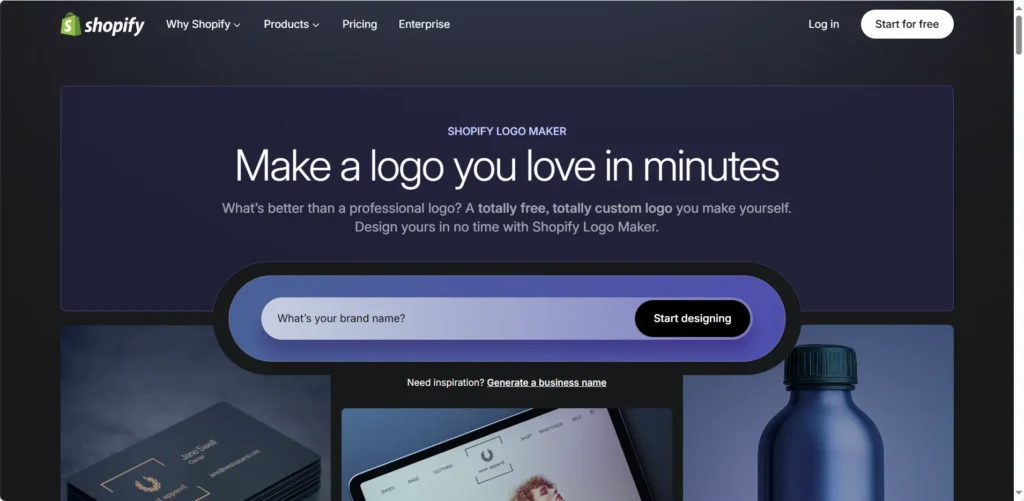
Verdict: The best e-commerce specific generator for rapid prototyping.
Hatchful is Shopify’s entry into the market, designed specifically to help merchants launch stores quickly. Its AI is tuned less towards “art” and more towards “commerce.” It creates logos that look trustworthy on a checkout page.
The AI & Workflow:
The tool is entirely template-driven but uses AI to customize the color palettes and icon pairings based on the industry selected (e.g., Fashion, Tech, Kids). It is exceptionally fast. In the context of favicons, Hatchful automatically generates a massive asset pack that includes favicons, Facebook profile images, and Instagram assets.
Critique:
The output is often generic. Because it relies on a finite library of icons, there is a risk that another Shopify store might have a very similar favicon. Additionally, it historically focused on PNG output, which makes it less “future-proof” than the vector-based tools like Recraft or Brandmark.
Pricing:
Free. This makes it the best starting point for bootstrapped entrepreneurs.
Best For: E-commerce merchants who need a full social media and web asset pack for free.
-
DesignEvo
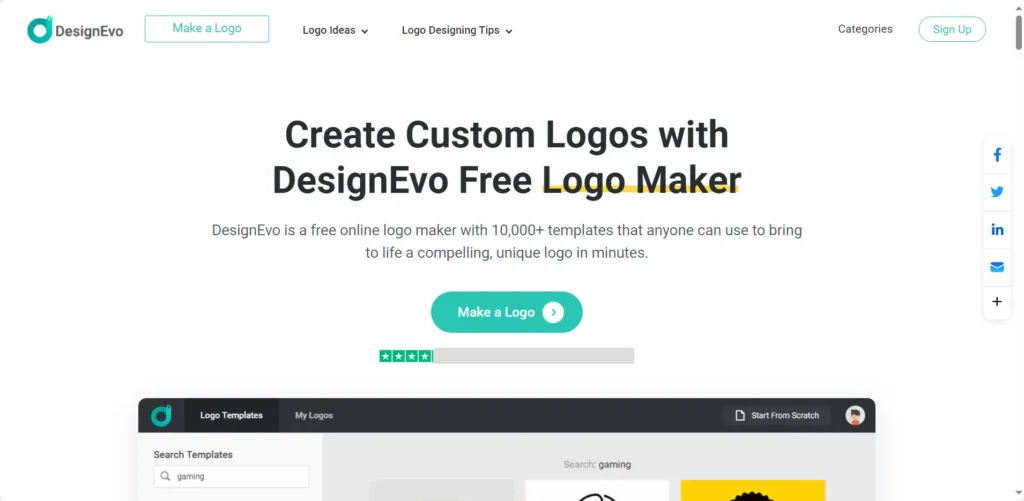
Verdict: The template giant. Best for users who want to browse 10,000+ options rather than prompting an AI.
DesignEvo represents the “curated” approach to AI. While it claims AI features, its strength is its massive database of pre-made templates which are tagged and categorized. The “AI” here is the search and recommendation algorithm.
The Workflow:
Users can search for keywords and see thousands of results. The editor is robust, allowing for the manipulation of vector nodes. For favicons, it offers a preview window that shows how the logo looks on a business card, a T-shirt, and a website header simultaneously. This context is valuable for judging if an icon is too detailed for a favicon.
Output:
The “Plus” package provides vector files (PDF, SVG) and font files, which allows for total offline editing. The free tier is limited to low-res (300px) files and requires attribution, which is not suitable for a professional favicon.
Best For: Traditionalists who prefer browsing catalogs to writing prompts.
Category 4: Specialized & Mobile Tools
These tools serve specific niches: mobile application developers and high-volume creators.
-
Appicons.ai
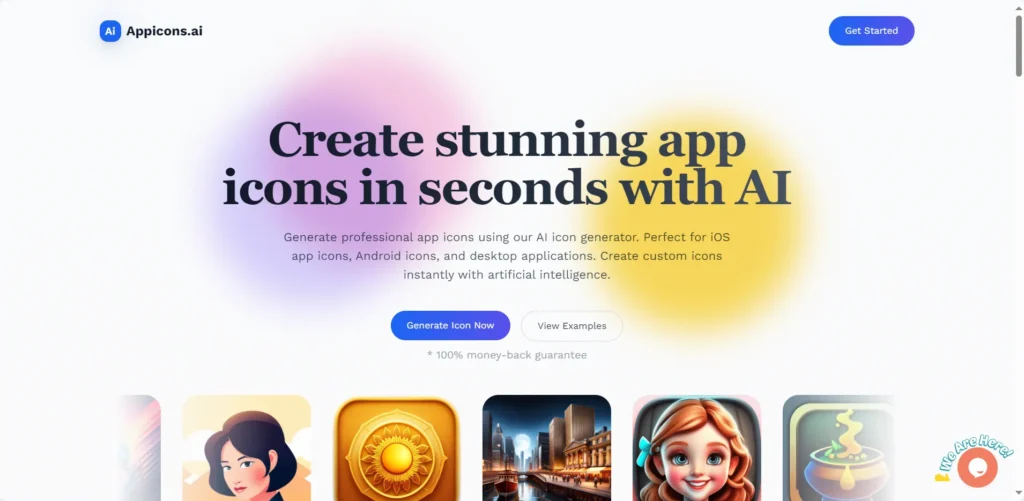
Verdict: The specialist tool for mobile application developers (iOS/Android) and PWA architects.
If the project is a mobile app or a high-functioning PWA, a simple favicon is insufficient. The icon must look good as an Apple Touch Icon, an Android Launcher, and a notification badge. Appicons.ai is engineered for this exact use case.
The AI & Output:
The AI generates square, glossy, high-contrast icons typical of the App Store aesthetic. It handles the upscaling to 2048×2048 pixels, which is overkill for a browser tab but necessary for an iPad Pro home screen.It allows for “crop and preview,” letting developers see how the icon looks with the specific rounded masking of iOS 18 or the circular masking of Android.
Pricing:
It uses a subscription model ($10-$25/month) which includes credits. This is priced for developers who churn out multiple apps, rather than a single website owner.
Best For: Mobile developers and PWA creators.
-
IconifyAI
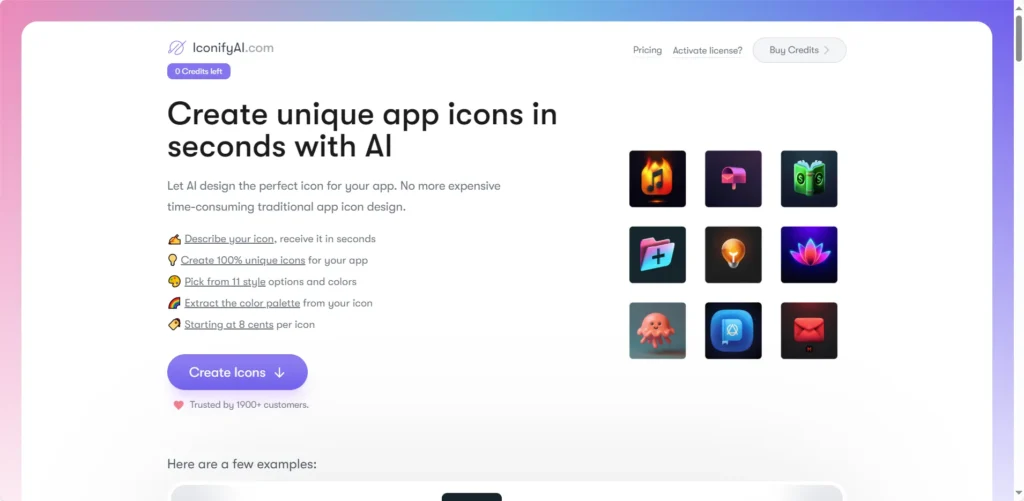
Verdict: The high-volume generator. Best for developers needing to iterate through dozens of concepts rapidly.
IconifyAI focuses on speed and quantity. It promises unique icon generation in under 60 seconds. It is designed for the “iterative” phase of a project where a team might want to vote on 20 different “rocket ship” concepts.
The AI & Mechanics:
The tool automates color palette generation based on the selected graphics, ensuring color harmony without user intervention. It exports high-definition PNGs (1024×1024). While it lacks native SVG export in some lower tiers, the high resolution of the PNGs makes them suitable for most web applications after being run through a converter.
Pricing:
It operates on a credit pack model (e.g., $10 for 15 credits, dropping to $0.08 per credit at high volumes). This “pay-as-you-go” structure is excellent for one-off projects.
Best For: Agile teams needing rapid visual prototyping.
Comparative Analysis: The Battle for the Browser Tab
To aid in the selection process, we have synthesized the data into a comparative matrix focusing on the pivotal features for 2026: Vector support and PWA readiness.
| Tool | Primary Use Case | Vector (SVG) Output | PWA Manifest Support | Pricing Model |
| RealFaviconGenerator | Optimization & Code | Yes (Input/Output) | Excellent (Native) | Free |
| Recraft.ai | Vector Art Generation | Yes (Native AI) | No (Image only) | Freemium / Sub |
| Looka | Full Branding | Yes (Paid Tier) | No (Image only) | Subscription |
| Favicon.io | Text / Initials | No (PNG/ICO) | Limited | Free |
| Brandmark.io | One-Time Branding | Yes (EPS/SVG) | No (Image only) | One-time Fee |
| Appicons.ai | Mobile / Apps | No (High-Res PNG) | No (Image only) | Subscription |
| Photoroom | Editing / Resizing | No (PNG) | No | Freemium |
| LogoAI | Animation | Yes (Paid Tier) | Yes (Basic) | One-time / Sub |
Note: “Native AI” vector means the AI generates the paths directly. “Paid Tier” means SVG is locked behind a paywall. “Native Manifest” means the tool generates the JSON code required for installation.
Methodology: Analyzing the “Load-Bearing” Features
The selection of these 15 tools was not arbitrary. We surveyed a field of over 25 candidates, excluding generalist AI art tools (like DALL-E 3 or standard Midjourney) that lack the specific export capabilities required for web development. A beautiful image is useless as a favicon if it cannot be exported with a transparent background or if it turns into a blurry mess at 16 pixels.
Our ranking methodology prioritized four “load-bearing” factors:
-
File Utility (The SVG Factor): In 2026, SVG is the benchmark. Tools that could not produce vector data or high-fidelity transparent PNGs were penalized. The ability to handle “Retina” scaling was non-negotiable.
-
AI Integration Level: We differentiated between “True AI” (generative models like Recraft and Adobe Firefly that create new pixels) and “Algorithmic Composition” (tools like Looka or Turbologo that intelligently assemble pre-made assets). Both have value, but they serve different user needs.
-
Commercial Ownership: The legal landscape of AI art is treacherous. We prioritized tools that offer clear commercial licenses. Tools like Recraft (where free images are public) were noted for their specific privacy risks.
-
Ecosystem Completeness: A favicon does not exist in a vacuum. Tools that generated the accompanying
manifest.jsoncode or social media assets received higher rankings for “utility.”
Deep Dive: The “Hybrid” Pro Workflow
While all-in-one tools are convenient, the highest quality results in 2026 are achieved by chaining specialized tools together. This “Hybrid” workflow leverages the creative power of generative AI with the technical precision of optimization algorithms.
Step 1: Generation (Recraft.ai)
Start with Recraft.ai. Unlike raster generators, Recraft allows you to select “Icon” or “Vector Art” as a style.
-
Prompt Engineering: Be specific about geometry. Instead of “a cute cat,” prompt for “Minimalist geometric cat head, thick strokes, flat style, orange and white, white background.”
-
The Vector Advantage: Download the result as an SVG. This ensures that the curves are mathematical paths, not pixels. This file is your “Master Asset.”
Step 2: Refinement (Adobe Express or Vector Editor)
Open the SVG in Adobe Express (or Figma/Illustrator).
-
Check Contrast: Switch the canvas background to dark gray (#333333) to simulate Dark Mode. Does the icon disappear? If so, add a white stroke or a light circle behind the icon.
-
Simplify: At 16 pixels, details are noise. Remove any small text or intricate texture.
Step 3: Technical Optimization (RealFaviconGenerator)
Upload the refined SVG to RealFaviconGenerator.
-
Configuration: The tool will ask you to configure the icon for iOS (Apple Touch Icon), Android, and Windows.
-
Masking: For Android, ensure your icon content sits within the “safe zone” circle so it doesn’t get cropped on Samsung devices.
-
Background: Set the background color (usually the hex code of your brand’s primary color) for the Windows Tile and iOS files.
Step 4: Deployment
Download the generated package. It will contain
favicon.ico, site.webmanifest, apple-touch-icon.png, and favicon-32x32.png.-
Installation: Upload these files to the root directory of your website (public_html).
-
Code Injection: Copy the provided HTML snippet into the
<head>section of yourindex.htmlor your CMS theme header. This code links the browser to the correct file based on the device viewing the page.
Future Outlook: The Dynamic Favicon
Looking beyond 2026, the favicon is set to become a dynamic, state-aware interface element. Browser vendors are experimenting with APIs that allow the favicon to change based on application state.
-
Notification Badges: A favicon could overlay a small red “1” to indicate an unread message, similar to a mobile app badge.
-
Progress Indicators: During a file upload, the favicon could become a pie chart showing the upload percentage.
-
Theme Awareness: Future standards may allow the
manifest.jsonto define light and dark mode specific icons without needing CSS hacks, streamlining the dark mode support.
The tools listed above, particularly those generating code (like RealFaviconGenerator) and vectors (like Recraft), are best positioned to adapt to these emerging standards.
FAQ
Q: Why does my favicon look blurry on my iPhone?
A: You likely served a 16×16 or 32×32 pixel .ico file to the phone. iOS devices look for apple-touch-icon.png, which should be at least 180×180 pixels. If this file is missing, the phone attempts to scale up the tiny favicon, resulting in a blur. Tools like RealFaviconGenerator create this specific file automatically.
Q: What is the “Public vs. Private” risk with free AI tools?
A: Tools like Recraft.ai (Free Tier) and Midjourney (public channels) place your generations in a public gallery. This means anyone can see, download, and potentially use your brand mark. For a hobby blog, this is fine. For a business, it is a trademark disaster. Always check the privacy terms; usually, you must pay to own the asset privately.
Q: Can I just rename a .png file to .ico?
A: Technically, yes, some operating systems will recognize it. However, a true .ico file is a container format that holds multiple images of different sizes (16px, 32px, 48px) in one file. Renaming a PNG does not create these layers. Browsers use the 16px layer for tabs and the 32px layer for taskbars. Without the proper container structure, the OS has to resize the image on the fly, often resulting in poor quality.
Q: Why do I need a manifest.json file?
A: This file is the bridge between a website and an “app.” If an Android user taps “Add to Home Screen” on your site, the phone looks at the manifest to know what the app should be called, what color the splash screen should be, and which high-res icon to use on the home screen grid. Without it, your “app” will just look like a generic Chrome bookmark.
Create worry-free presentations with AutoPPT . Turn your ideas into slides quickly—while keeping them 100% yours!
About AutoPPT: An easy use AI tool for students and professionals. Generate editable slides, customize designs, and focus on what matters—your unique ideas.

Autoppt: Generate presentations in 1 minute!
Start Free Trail Now