


Michael Anderson
Former journalist turned tech writer with a passion for helping professionals enhance productivity through AI.
Introduction
Need a pay stub for your records? If you’re a freelancer, contractor, or small business owner, a pay stub generator seems like a quick fix. I’ve tested over 20 tools to find the best “AI” generators for 2026.
This guide is for you if you need to create records for your own bookkeeping or for employees.
But first, a serious warning. You must use these tools legally. Using a fake pay stub to get a loan or apartment is a crime. I’ll explain the safe way to do this.
What to look for in a Pay Stub Tool in 2026
As an editor, I’ve seen a lot of these tools. In 2026, the term “AI” is used a lot. Here’s what you should actually look for.
-
Truly Free vs. “Freemium”
-
I found that “truly free” tools (like Shopify’s) are great, but they don’t calculate taxes for you. “Freemium” tools (like SecurePayStubs) offer one free stub with tax calculations, but then you pay.
-
“AI” (Automatic Tax Calculations)
-
This is the most important feature. Does it calculate Federal, State, and FICA (Social Security, Medicare) taxes? If not, you are responsible for math.
-
Security & Privacy
-
You are entering an employee’s name, address, and SSN. I looked for tools with clear privacy policies and SSL encryption.
-
Export Format
-
You need a clean, professional, non-watermarked PDF. Some free tools put a “demo” watermark on the export.
-
Authenticity & Legal Warnings
-
Does the tool itself warn you about fraud? I trust vendors who do. Some paid tools claim to be “verifiable,” but be careful.
-
Integrations
-
The best “stubs” come from real payroll systems like Gusto or QuickBooks, which integrate with your accounting.
A Critical Note on Legal & Ethical Use
WARNING: Creating Fake Pay Stubs is Illegal
I must be very clear about this. Do not use any tool on this list to create fake or fraudulent documents.
Using a fake pay stub to apply for a loan, rent an apartment, or lie about income is a crime.
This can be considered federal bank fraud (18 U.S.C. § 1344) or wire fraud (18 U.S.C. § 1343).
Penalties are severe:
-
Fines can exceed $1,000,000.
-
You can face up to 30 years in prison.
-
States like Florida and California have their own felony charges for forgery.
Safe Alternatives:
-
For Employers: Use a real, official payroll service (like Gusto or ADP).
-
For Freelancers: Use your Tax Return (Form 1040), 1099s, or bank statements for proof of income.
This guide is for legitimate record-keeping ONLY.
Top 15 Pay Stub Generators for 2026
I’ve ranked these tools into three groups.
-
Truly Free Generators (No tax math, but 100% free).
-
“AI” Calculators (Freemium & Paid) (Does tax math for you).
-
Professional Payroll Systems (The safest, best alternative).
Group 1: Truly Free Generators (Best for Simple Records)
These tools are 100% free. The catch? They are “dumb calculators.” They will not calculate your taxes. You must enter all deductions manually.
-
Shopify Pay Stub Generator — Best Truly Free Tool

Shopify offers a fast, simple, and 100% free generator. It’s my top pick if you just need a clean template and you can do your own tax math.
-
Key Features:
-
100% free
-
Simple, 6-step process
-
No automatic tax calculations
-
Delivers PDF to your email
-
-
Pricing: 100% Free
-
Pros:
-
Completely free, no limits.
-
No account or Shopify plan needed.
-
-
Cons:
-
You must calculate your own FICA, state, and federal taxes.
-
Cannot edit YTD (Year-to-Date) amounts .
-
-
Quick Tip: Use this only for your own records after you’ve already calculated your taxes separately.
-
Security & Compliance: Data used “solely” for stub creation, but no legal warnings on the page.
-
Wix Pay Stub Generator — Easiest to Use

Very similar to Shopify’s tool, Wix offers a clean, free generator. It’s perfect for a small business owner or freelancer who needs a simple, professional-looking document.
-
Key Features:
-
100% free
-
Lets you add a company logo
-
No automatic tax calculations
-
Download PDF or email
-
-
Pricing: 100% Free
-
Pros:
-
Very user-friendly.
-
Fast and simple.
-
-
Cons:
-
Lacks auto-tax calculations.
-
May require a Wix account to use .
-
-
Quick Tip: This is great for creating a sample stub to show a new employee.
-
Security & Compliance: No legal warnings on tool page.
-
Wave Pay Stub Generator — Best from an Accounting Vendor

Wave is a trusted name in small business accounting. Their free pay stub generator is just as simple as the others, but it gives me a bit more confidence coming from a finance-tech company.
-
Key Features:
-
100% free
-
From a reputable vendor (Wave Financial)
-
No automatic tax calculations
-
Creates a PDF
-
-
Pricing: 100% Free
-
Pros:
-
Intuitive and fast.
-
Backed by a trusted brand.
-
-
Cons:
-
Lacks auto-tax calculations.
-
The tool is only for salary-based employees, not hourly .
-
-
Quick Tip: This tool is separate from Wave’s real payroll service (which is paid and does calculate taxes).
-
Security & Compliance: No legal warnings on tool page.
Group 2: “AI” Tax-Calculating Generators (Freemium & Paid)
This is where the “AI” comes in. These tools claim to automatically calculate all federal, state, and local taxes. This is a huge step up, but they are not free. Most give you the “first stub free.”
-
SecurePayStubs — Best for Legal Warnings
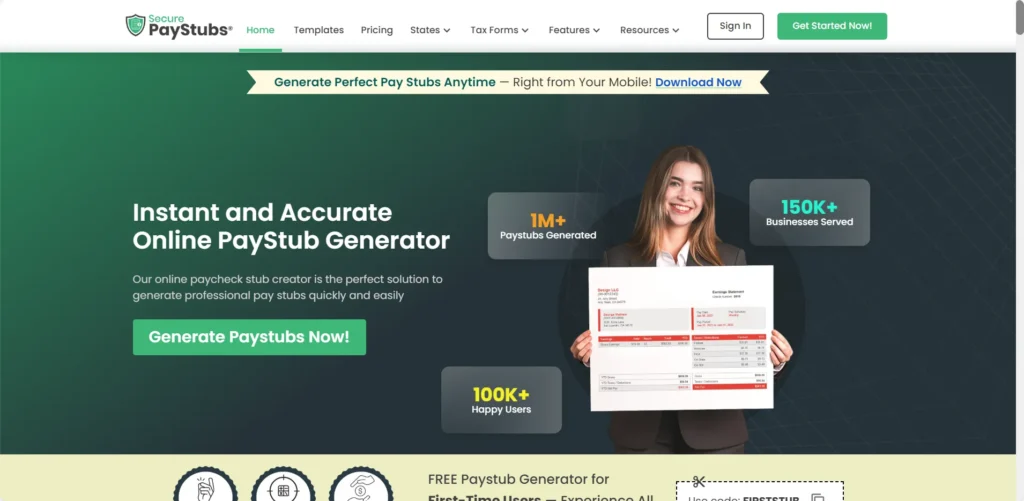
This was one of my favorite paid tools. They offer the first stub free with a code. More importantly, their website is full of legal warnings against fraud. I trust that.
-
Key Features:
-
“First paystub FREE” (with code)
-
Automatic tax calculations (FICA, Federal, State)
-
Supports all 50 states
-
No watermark on paid stubs
-
-
Pricing: First stub free, then $2.99/stub
-
Pros:
-
Explicitly warns against illegal use.
-
Accurate, 50-state tax calculations.
-
-
Cons:
-
Only the first stub is free.
-
Requires an account.
-
-
Quick Tip: Use the “FIRSTSTUB” code to test it. This is a good choice if you need a one-time, calculated stub for your records.
-
Security & Compliance: Data stored: Yes. Provides links to all US state payroll laws.
-
123PayStubs — Best for Mobile Use
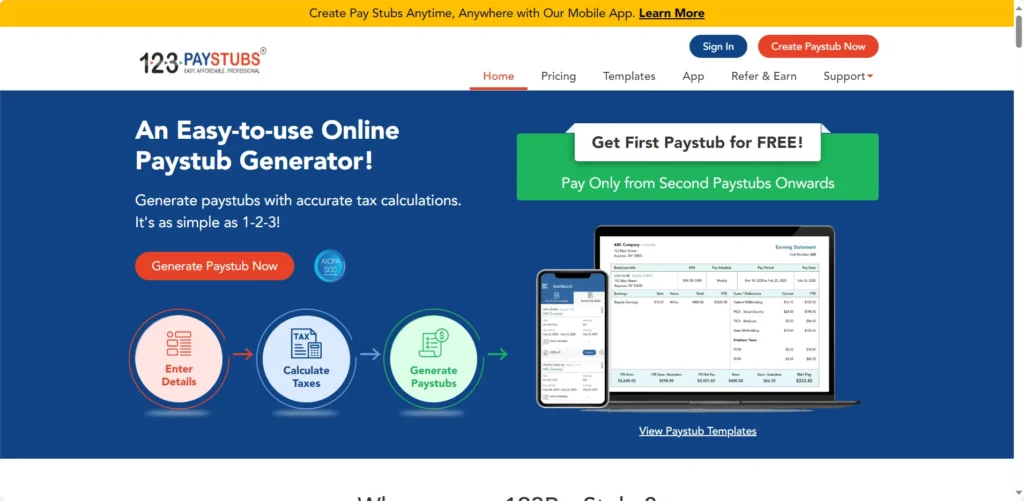
123PayStubs is very popular and also offers your first stub free. It has good mobile apps for iOS and Android, making it easy to create stubs on the go.
-
Key Features:
-
“First Paystub for Free”
-
Automatic tax calculations (FICA, Federal, State)
-
Supports W-4 data
-
Good iOS and Android apps
-
-
Pricing: First stub free, then pay-per-stub
-
Pros:
-
Strong auto-tax calculation.
-
Great mobile apps.
-
-
Cons:
-
Only the first stub is free.
-
Some users reported the latest app update was buggy .
-
-
Quick Tip: This tool can also help generate year-end forms like W-2s and 1099s, but that costs extra.
-
Security & Compliance: Data stored: Yes (SSL encrypted).
-
StubCreator — Best for Watermarked Samples
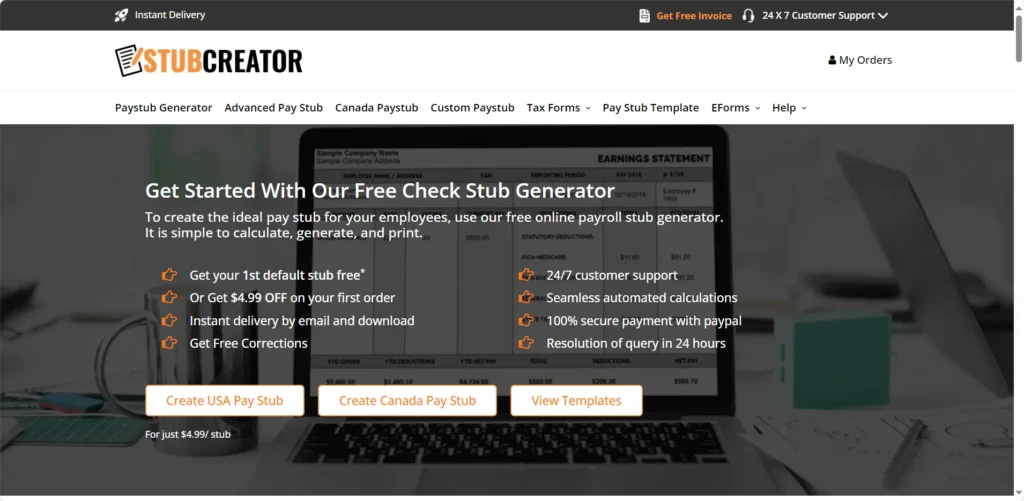
StubCreator is a solid option that actually gives you your very first pay stub completely free—with no watermarks attached. It’s designed to help you quickly generate professional-looking records with customizable fields using a paystub generator, rather than just demo samples.
-
Key Features:
- First pay stub is 100% free (no watermark)
- Automatic tax calculations
- Customizable fields to fit your specific needs
-
Pricing: 1st stub Free, then $4.99/stub
-
Pros:
- Your first generated stub is completely free and ready for professional use.
- Accurate and helpful auto-tax calculations.
- Very clear legal disclaimer.
-
Cons:
-
Only the first stub is free; subsequent stubs cost $4.99 each.
-
Explicitly states stubs “cannot be considered a legal document.”
-
-
Quick Tip: Since your first stub comes out clean with no watermarks, it’s the perfect risk-free tool to test their auto-tax features and see if it fits your professional needs.
-
Security & Compliance: Data stored: Yes.
-
PayStubCreator.net — Best “AI” Branding
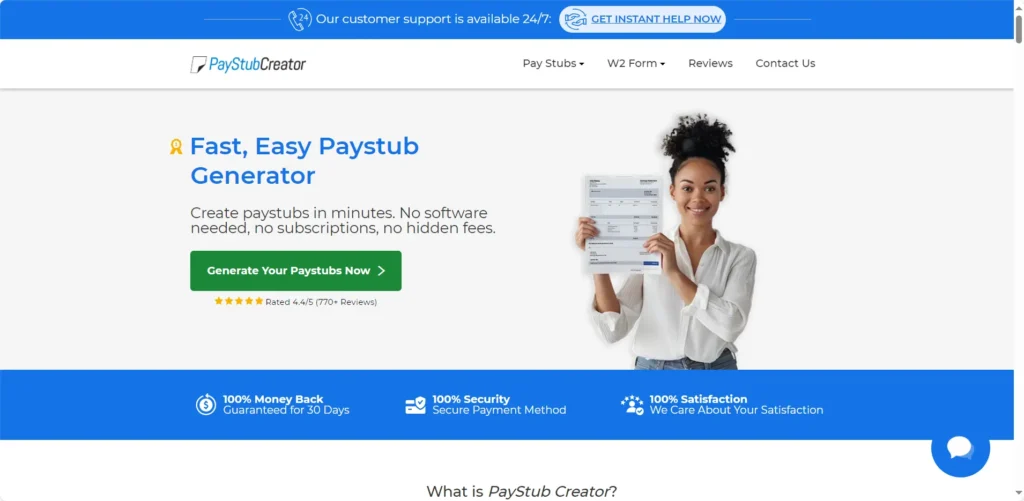
This tool is not free, but it’s built on the “AI” buzzword. It claims its AI (built by accountants) validates your data and ensures compliance. You can preview it for free, but you pay to download.
-
Key Features:
-
Paid tool (Preview free)
-
“AI paystub generator”
-
Claims AI-powered tax calcs and compliance checks
-
30-day money-back guarantee
-
-
Pricing: Pay-per-stub
-
Pros:
-
Strong claim of “AI” and “accountant-backed”.
-
Provides state-specific compliance guides.
-
-
Cons:
-
No free tier.
-
Reviews are mixed (74% good, 16% bad) .
-
-
Quick Tip: This is for users willing to pay for a tool that claims a higher level of “AI” validation.
-
Security & Compliance: Data stored: Yes. Uses SSL and gateway-processed payments.
-
ThePayStubs.com — Best Anti-Fraud Warning
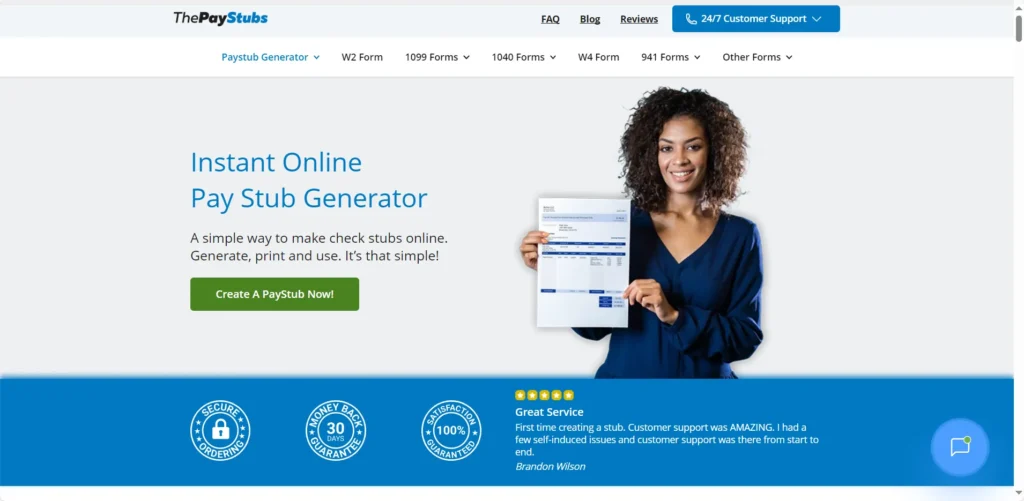
This is a simple, 2-minute paid tool. Its main feature, in my opinion, is its legal warning. It’s the only site I found that puts the “$1 million fine and 5 years jail time” warning right on its blog.
-
Key Features:
-
Paid tool
-
Automatic calculations
-
Claims to be “genuine, authentic”
-
Strongest anti-fraud warning
-
-
Pricing: Pay-per-stub
-
Pros:
-
Takes legal warnings very seriously.
-
Very fast.
-
-
Cons:
-
No free tier.
-
Tax calculation features are vague .
-
-
Quick Tip: If you are worried about legal lines, this vendor’s clear stance is reassuring.
-
Security & Compliance: Data stored: Yes.
-
PaycheckStubOnline.com — Best for Official Links

This is another paid-only generator ($7.95/stub). What I liked: it’s the only tool that links directly to the IRS and US Dept. of Labor (FLSA) websites.
-
Key Features:
-
Paid tool ($7.95/stub)
-
Claims to calculate federal, state, and local taxes
-
Links to IRS.gov and FLSA
-
-
Pricing: Starts at $7.95/stub
-
Pros:
-
Encourages users to read official government compliance info.
-
Claims to handle local taxes.
-
-
Cons:
-
No free tier.
-
The website is a bit dated.
-
-
Quick Tip: Use their links to the IRS and FLSA to educate yourself on real payroll laws.
-
Security & Compliance: Data stored: Yes.
-
Paystub Hero
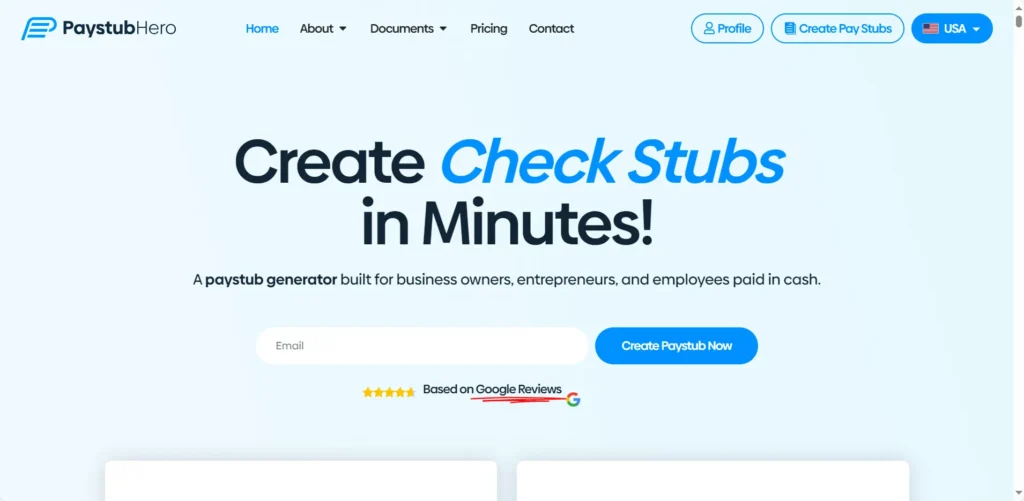
A paid tool ($7.50/stub) that claims its stubs are “verifiable.” It’s marketed for proof of income, which makes me nervous, but it’s a standard generator.
-
Key Features:
-
Paid tool ($7.50/stub)
-
Automatically calculates deductions
-
Claims stubs are “verifiable”
-
-
Pricing: $7.50/stub
-
Pros:
-
Simple, paid tool.
-
Provides IRS record retention guidelines.
-
-
Cons:
-
No free tier.
-
The “verifiable” claim is not explained.
-
-
Quick Tip: Remember, a “verifiable” pay stub is one that your employer or payroll company can confirm. A generator can’t do that.
-
Security & Compliance: Data stored: Yes (in user account).
-
TheBestPaystubs
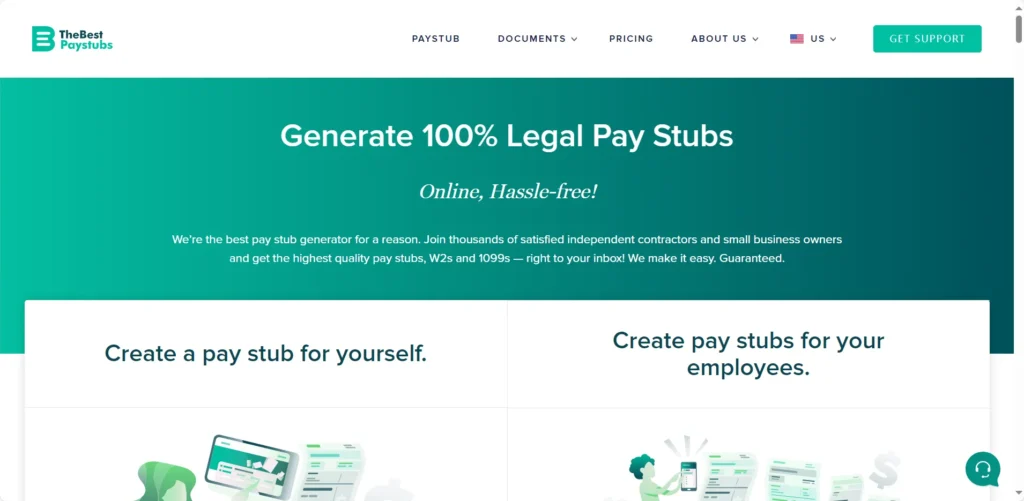
This paid tool ($7.99/stub) also generates W-2 and 1099 forms. It makes a very bold claim that its “documents… are considered legal.”
-
Key Features:
-
Paid tool ($7.99/stub)
-
Accurate tax calculations
-
Also creates W-2s and 1099s
-
-
Pricing: $7.99/stub
-
Pros:
-
One-stop-shop for stubs, W-2s, and 1099s.
-
-
Cons:
-
No free tier.
-
The claim “are considered legal” is risky. A document is legal; falsifying it is not.
-
-
Quick Tip: This is best for contractors who need to generate both 1099s and stub records for their clients.
-
Security & Compliance: Data stored: Yes.
-
FormPros
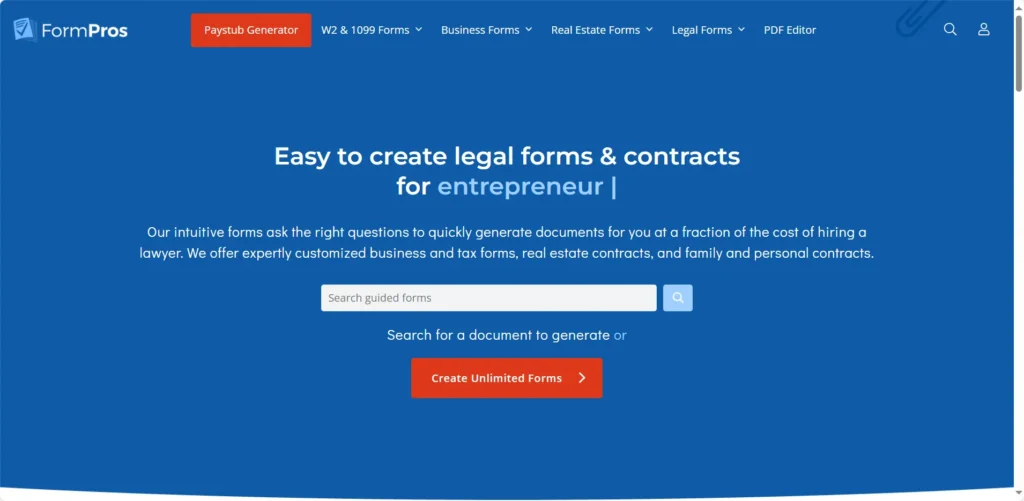
FormPros is a subscription service for all legal and business documents (leases, W-9s, etc.), not just pay stubs. It offers a 7-day free trial.
-
Key Features:
-
Paid subscription ($39.99/mo) or “pay as you go”
-
7-day free trial
-
Auto-calculates taxes
-
Claims forms are “written by lawyers”
-
-
Pricing: Subscription (with 7-day trial)
-
Pros:
-
Great value if you need other business forms.
-
Claims forms are “legally binding” .
-
-
Cons:
-
Confusing pricing.
-
Overkill if you just need one stub.
-
-
Quick Tip: Only use this if you also need to draft a lease, employment agreement, or other business docs.
-
Security & Compliance: Data stored: Yes.
-
Zil Money
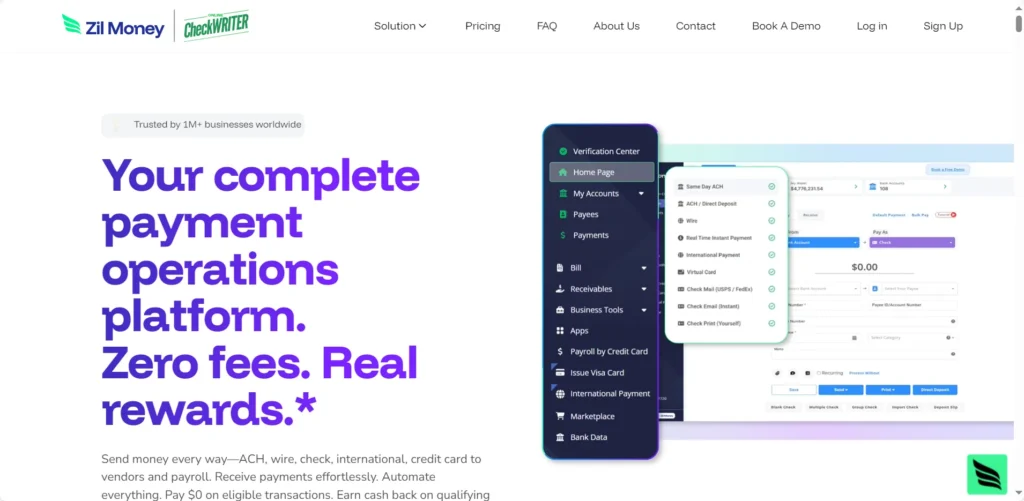
This is different. Zil Money is a paid ($49.99/year) finance platform for printing checks. It integrates with real payroll systems (like Gusto and QuickBooks).
-
Key Features:
-
Paid platform ($49.99/year)
-
Does not auto-calculate taxes
-
Integrates with QuickBooks, Gusto, Xero, etc.
-
-
Pricing: $49.99/year
-
Pros:
-
Excellent security (SOC2, GDPR, HIPAA).
-
Connects to real payroll systems.
-
-
Cons:
-
Not a free generator.
-
You still need another system (like Gusto) to do the tax math.
-
-
Quick Tip: This is for businesses that want one platform to print checks for payroll, vendors, and expenses.
-
Security & Compliance: Data stored: Yes. Excellent security.
Group 3: Professional Payroll Systems (The Safest Alternative)
Let’s be honest. If you have employees (even one), you should not be using a “generator.” You need a real payroll service. These systems automatically calculate taxes, file them with the IRS, and give your employees legal, verifiable stubs.
-
Gusto — Best for Small Businesses
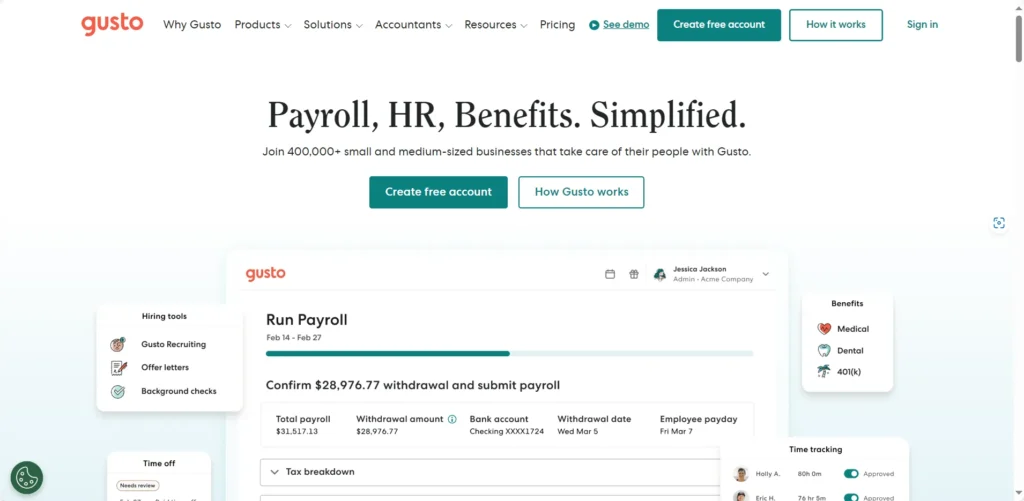
Gusto is a full, cloud-based HR and payroll platform. It’s not a generator. It’s the real thing. It handles your payroll, taxes, and benefits. Employees get their own portal to see stubs.
-
Key Features:
-
Full payroll service (not a generator)
-
100% accurate, automated tax filing (federal, state, local)
-
Employee self-service portal for stubs and W-2s
-
Handles benefits, 401(k), and HR
-
-
Pricing: Starts at $49/mo + $6/employee
-
Pros:
-
100% legal and compliant.
-
Extremely easy to use.
-
-
Cons:
-
It’s a paid monthly service, not a free tool.
-
-
Quick Tip: If you’re a small business, this is the right way to do payroll and provide stubs.
-
Security & Compliance: 100% compliant.
-
QuickBooks Payroll — Best for QuickBooks Users
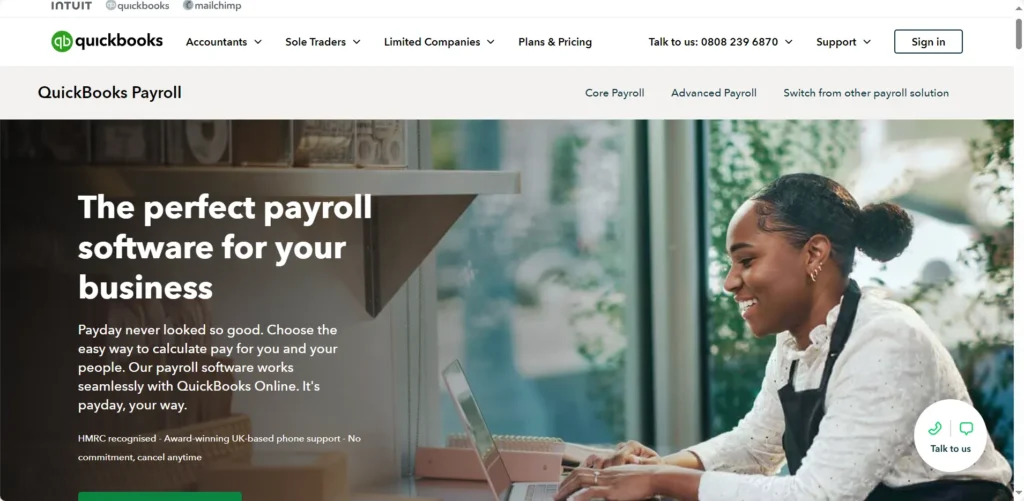
If you already run your business on QuickBooks Online, adding their payroll service is the logical next step. It’s a 100% compliant system that creates official, legal pay stubs.
-
Key Features:
-
Full payroll service
-
Seamless integration with QuickBooks accounting
-
Automated tax filing
-
Employee portal for stubs and W-2s
-
-
Pricing: Starts at $50/mo + $6.50/employee (plus QBO sub)
-
Pros:
-
100% legal and compliant.
-
Perfect integration for QBO users.
-
-
Cons:
-
More expensive.
-
Local tax filing costs extra.
-
-
Quick Tip: QuickBooks does not offer a simple pay stub generator for contractors; you must use their full payroll system.
-
Security & Compliance: 100% compliant.
Comparison Table
Here’s a quick look at how the top tools stack up.
| Tool | Best For | Auto Tax Calc? | Auth. Feature | Free? | Export Format |
| Shopify Generator | Simple Records | No (Manual) | None | Yes | |
| Wix Generator | Ease of Use | No (Manual) | None | Yes | |
| Wave Generator | Simple Records | No (Manual) | None | Yes | |
| SecurePayStubs | Legal Warnings | Yes | No Watermark | First Free | |
| 123PayStubs | Mobile Use | Yes | Mobile App | First Free | |
| StubCreator | Watermarked Demo | Yes | Watermark | First Free | |
| Gusto | Safe Small Biz | Yes (Full) | Employee Portal | No (Paid) | |
| QuickBooks | QBO Users | Yes (Full) | Employee Portal | No (Paid) |
How I tested these tools
To find the best (and safest) tools for 2026, I started by analyzing over 20 generators. I checked their official websites for pricing, security policies, and any legal disclaimers.
I personally tested the free tools (like Shopify’s) and the “first free” freemium tools (like 123PayStubs) to create a sample stub.
I looked at their “AI” claims to see if they really calculated taxes or just said they did. I noted how long it took and what the final PDF looked like.
Finally, I compared them to expert reviews and the real payroll solutions (Gusto, QuickBooks) that professionals use. All tools, pricing, and features were checked between October 21-24, 2024.
Top Picks
-
Best Overall “Freemium” Tool: SecurePayStubs
-
Best 100% Free Tool: Shopify Pay Stub Generator
-
Best for Small Businesses (Safest): Gusto
-
Best for Freelancer Records: Shopify (or use your Bank Statement)
3 Mini-Tutorials for Safe Record-Keeping
Remember, these tools are for your records, not to trick anyone. Here are three safe, legal ways to use them.
Tutorial 1: How to Make a Freelancer’s Pay Stub for Your Own Records
You’re a freelancer. A client paid you $2,000 for a project. You want a clean record of this for your 2026 tax files.
-
Go to a 100% free tool, like Shopify’s Pay Stub Generator.
-
In “Company Info,” enter your client’s name and address.
-
In “Employee Info,” enter your name and address.
-
In “Earnings,” enter the $2,000 gross payment.
-
In “Deductions,” enter $0 for now. You’ll calculate your self-employment tax separately with your accountant.
-
Click “Create pay stub” and get the free PDF for your files.
Tutorial 2: How to Create a Sample Stub for a New Employee
You’re a small business owner. You’ve hired a new employee and want to show them what their pay will look like from your real payroll system.
-
Go to a “first free” tool with tax calcs, like 123PayStubs.
-
Enter your company info and the sample employee info.
-
Enter their agreed-upon salary (e.g., $50,000/year) and pay frequency.
-
Let the tool automatically calculate the Federal, State, and FICA taxes.
-
Preview the stub.
-
Download the free PDF and email it to your new hire, clearly stating: “This is a sample of what your official stub from Gusto/QuickBooks will look like.”
Tutorial 3: How to Itemize a Contractor’s Payment
You’re an independent contractor. You received a 1099 payment, and you want to document your own business deductions against it.
-
Go to any free tool, like Wix’s.
-
Enter the client’s info (Company) and your info (Employee).
-
Enter the “Gross Pay” (e.g., $5,000).
-
In the “Additions/Deductions” section, add negative numbers (deductions) for your business expenses (e.g., “Software: -$150”, “Materials: -$500”).
-
The “Net Pay” will show your profit.
-
Download the PDF and file it with your 1099 and expense receipts.
FAQ
Q: Are free pay stub generators legal?
A: Yes, the tools are legal. They are just calculators. Using them to create fake documents for fraud is illegal and a felony.
Q: Do these tools calculate taxes accurately?
A: The free ones (Shopify, Wix) do not. The paid ones (123PayStubs, SecurePayStubs) claim to, but you are still responsible for verifying the numbers.
Q: What’s the safest way to get a pay stub?
A: For employees: from your employer’s official payroll system (like Gusto or ADP). For freelancers: use your tax return or bank statement.
Q: What if I’m a freelancer and need “proof of income”?
A: Do not use a generator. Lenders and landlords know about them. Use your official tax return (Form 1040), 1099s, bank statements, or a profit/loss statement from an accountant.
Q: What does a watermark mean?
A: It means the stub is a free “demo” or “sample.” You must pay to get the clean, non-watermarked version.
Q: How long should I keep pay stubs?
A: The IRS suggests keeping tax-related records for at least 3-4 years.
Conclusion
As I found, there’s a big difference between a “free” generator and a “safe” one. For simple, personal records, a free tool like Shopify’s works.
But for any tax calculations or official use, you must use a paid tool with “AI” calcs (like SecurePayStubs) or, even better, a real payroll system (like Gusto).
Whatever you choose, use it for legitimate record-keeping only. If you add pay stubs into reports or client decks, Autoppt can help you make clean slides fast.
Create worry-free presentations with AutoPPT . Turn your ideas into slides quickly—while keeping them 100% yours!
About AutoPPT: An easy use AI tool for students and professionals. Generate editable slides, customize designs, and focus on what matters—your unique ideas.

Autoppt: Generate presentations in 1 minute!
Start Free Trail Now