In 2026, Autoppt isn’t just for quick slides; it’s the student’s secret weapon for turning a 5,000-word thesis into a defensible presentation in minutes, automatically handling citations and structure.
If you’re looking to whip up amazing slides in a flash, Autoppt is an absolute game-changer. It truly stands out as the best
AI presentation maker for students. This tool helps you create professional-looking presentations quickly and effortlessly. All you have to do is tell it your topic, and its AI gets to work, generating polished slides for you.
Autoppt is celebrated for its incredible speed and user-friendliness. It can churn out entire presentations, often with 20-30 slides, in under a minute. Plus, it boasts a wide array of templates and powerful features that let you pour all your energy into your content, leaving the design heavy-lifting to the AI. This makes it incredibly valuable for school projects where you need to deliver impressive presentations without getting bogged down in hours of design work.
Notion AI is a robust tool seamlessly integrated into the popular Notion app, which many students already use for note-taking and organizing their lives. It’s incredibly versatile, assisting with tasks like summarizing research papers, drafting essays, and even translating text. If you’re looking to streamline your notes and projects, Notion AI can be a real asset, helping you brainstorm ideas and automate those tedious, repetitive tasks.
A Little Catch: While Notion AI does offer a free trial, it’s not designed for continuous free use. After you’ve used up a limited number of AI responses, you’ll find yourself needing to upgrade to a paid plan to keep accessing its AI features. For students on a tight budget, this can definitely be a consideration.
Grammarly is a widely recognized writing assistant that’s a lifesaver for students aiming to polish their writing. It’s fantastic for catching grammar mistakes, spelling errors, punctuation issues, and generally refining your writing style. It highlights errors in real-time and suggests improvements to make your text clearer and more impactful. This makes it particularly useful for essays, reports, and even emails, ensuring your submitted work is top-notch.
A Little Catch: The free version of Grammarly is quite helpful, but it does come with limited features. To unlock more advanced suggestions for clarity, engagement, and its plagiarism checker, you’ll need to subscribe to Grammarly Premium, which can be a significant expense for students. Some users also feel that relying too heavily on Grammarly might prevent them from truly mastering grammar rules on their own.
ChatGPT is a powerful AI chatbot that’s become a household name. It can answer questions, generate text, summarize information, and even help you brainstorm ideas. For students, it’s an incredible resource for understanding complex topics, creating outlines for essays, or getting quick explanations. Think of it as having a super knowledgeable study partner available around the clock.
A Little Catch: A key limitation of ChatGPT is that its knowledge is based on the data it was trained on, meaning it might not always have the very latest information. What’s more, it can sometimes ‘hallucinate’ or invent facts, so it’s absolutely essential to double-check any information it provides. Over-relying on ChatGPT can also, unfortunately, hinder the development of your own critical thinking and original writing skills.
SlidesAI.io is an AI-powered tool designed to transform text into presentations. You can simply paste your notes or an article, and it will convert them into visually appealing slides, often integrating seamlessly with Google Slides. This can be a huge time-saver when you need to quickly assemble a presentation for a class.
A Little Catch: While incredibly convenient, SlidesAI.io can sometimes produce rather generic content and visuals due to its inherent creative limitations. Complex data might also be misrepresented, requiring you to manually adjust things. Some users have also reported issues with unexpected recurring charges after cancellation and a somewhat limited template library.
Canva Magic Design is a fantastic addition to Canva’s already popular design suite, leveraging AI to help you create stunning visuals in a snap. You can feed it text prompts or upload your own media, and it will generate design ideas for presentations, social media graphics, and much more. It’s a brilliant tool for students who need to produce eye-catching projects without needing advanced design expertise.
A Little Catch: While super user-friendly, some users have found that the AI-generated designs can occasionally lack a unique touch or a perfectly cohesive aesthetic. Sometimes, color combinations or fonts might not quite gel with the overall design. The free version also has its limits, and accessing all the cool Magic Design features often means subscribing to a paid Canva Pro plan, which could be a hurdle for some students.
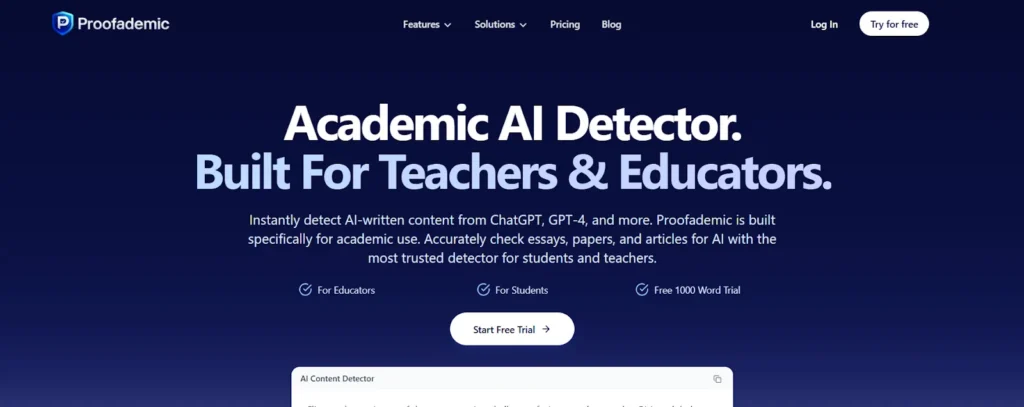
Proofademic is a product that uses artificial intelligence to help both students and educators detect plagiarism and AI-generated content. Proofademic has the ability to analyze essays and research papers for content generated by AI, as well as provide sentence-by-sentence feedback on the paper to aid the user in reviewing their work, to identify areas that require revision, so the user can determine if there are any issues with their work before they submit it, all while promoting responsible and honest AI use in educational settings.
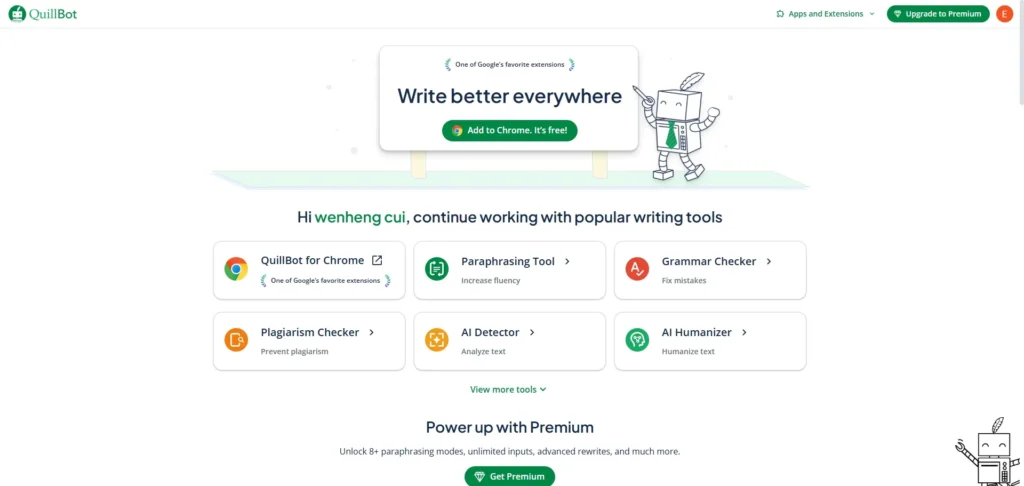
Quillbot
Quillbot is an AI-powered paraphrasing tool that’s a real gem for students. It helps you rephrase sentences, paragraphs, or even entire articles to boost clarity, improve fluency, and expand your vocabulary. It also comes with a handy grammar checker, plagiarism checker, and summarizer. It’s particularly useful for ensuring you avoid accidental plagiarism and for generally elevating the quality of your written work.
A Little Catch: While Quillbot is incredibly helpful, its free version comes with notable limitations on the number of words you can paraphrase at once and the available paraphrasing modes. The premium version, which unlocks all its capabilities, can be quite expensive. Furthermore, some users have noted that the output doesn’t always bypass advanced AI detection tools, and occasionally, the rephrased text might sound a bit unnatural or lose some of its original nuance.
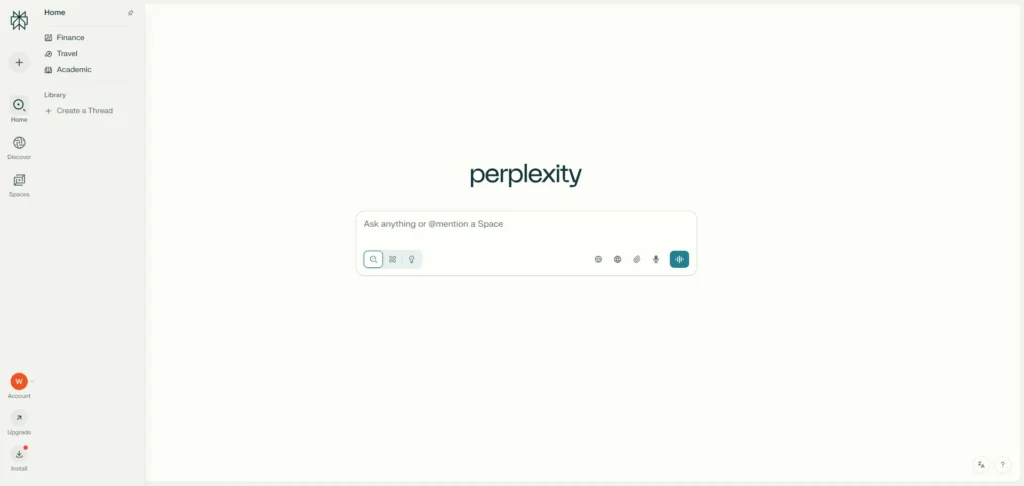
Perplexity AI is an AI-powered search engine that stands out by providing direct answers to your questions, complete with cited sources. Unlike traditional search engines, it pulls information from various sources and presents it in a concise summary, making it fantastic for quick research and fact-checking. This is especially valuable for students who need to find reliable information rapidly for essays, reports, or debates.
A Little Catch: While Perplexity AI excels at delivering cited answers, it can sometimes be susceptible to issues inherent in the large language models (LLMs) it uses, such as a tendency to ‘hallucinate’ (make up information). Also, while it’s a time-saver, the cost of the Pro version might be a consideration for some students, as the free version does have usage limitations.
Elicit is an AI research assistant specifically designed to help students and researchers navigate literature reviews. It can automate tasks like summarizing academic papers, extracting key information, and even assisting with systematic reviews. This tool is particularly beneficial for students tackling research papers, theses, or dissertations, as it can significantly accelerate the process of discovering and comprehending relevant studies.
A Little Catch: Elicit primarily focuses on empirical research, which means it’s most effective for fields like biomedicine. It also has some limitations in its coverage and might only provide access to abstracts for many papers, meaning you’ll still need to track down the full text elsewhere. Furthermore, Elicit has occasionally been observed to incorrectly
cite sources or struggle with the accurate use of references when generating summaries.
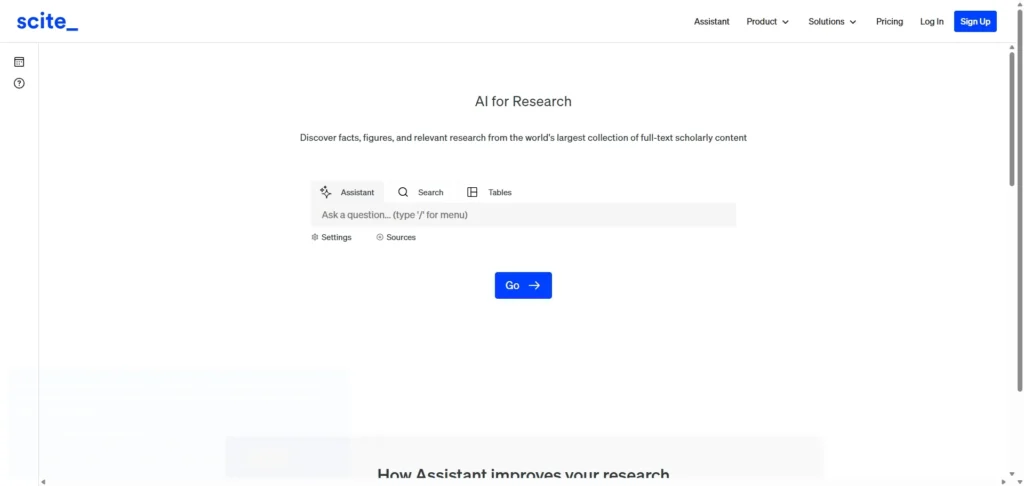
Scite is an AI-powered research tool that helps students gauge the credibility of academic papers by showing how they’ve been cited by others. It offers ‘smart citations’ that reveal whether a paper has been supported, contradicted, or simply mentioned in subsequent research. This feature is incredibly valuable for students doing research, as it helps them pinpoint trustworthy sources and grasp the ongoing academic conversation around a particular topic.
A Little Catch: While Scite is undoubtedly powerful, its interface can feel quite complex and overwhelming for new users, leading to a rather steep learning curve. Its main strength lies in citation analysis, so it might not fully cater to all the needs of comprehensive literature reviews that demand broader search capabilities. On top of that, the subscription model can be quite expensive for some students, as many of its advanced features are locked behind a paywall.
Eduaide.ai is an AI-powered workspace primarily designed for teachers, but it packs a punch with many features that can significantly benefit students too. It can assist with generating lesson plans, crafting quizzes, creating worksheets, and even providing feedback on assignments. For students, this translates into a useful tool for self-assessment, practicing concepts, and gaining fresh perspectives on their learning materials.
A Little Catch: While Eduaide.ai shows great promise, some users have noted that its workspace tools can feel a bit clunky, lacking in-depth formatting or robust collaboration features directly within the platform. The free plan also comes with limited generations, meaning students might quickly hit usage caps and need to consider a paid subscription for continuous use. There are also valid concerns that over-reliance on AI tools like this could, in some cases, foster a sense of learned helplessness if students lean on them too much for simple tasks.
Conclusion
The academic landscape of 2026 is defined by how well you partner with technology. The tools listed above aren’t there to do the work for you, but to help you work smarter. From NotebookLM helping you “listen” to your readings, to Autoppt turning your final paper into a presentation instantly, these tools give you the one thing every student lacks: time.
Don’t get overwhelmed—start with one or two tools that solve your biggest pain point. If presentations are your struggle, give Autoppt a try today. Master these tools now, and you won’t just survive school; you’ll be ready for the AI-driven workforce waiting for you.
Create worry-free presentations with
AutoPPT . Turn your ideas into slides quickly—while keeping them 100%
yours!
Try Autoppt for Free