


Michael Anderson
Former journalist turned tech writer with a passion for helping professionals enhance productivity through AI.
Introduction
Welcome to the 2026 job market. If you’re sending out dozens of resumes and hearing nothing back, you’re not alone. You’re not just writing for a person anymore; you’re writing for a machine.
Here’s a fact: over 98% of Fortune 500 companies now use an Applicant Tracking System (ATS) to scan and filter resumes . These “bots” filter, rank, and often reject applications before a human ever sees them. In fact, some reports show 75% of all resumes are rejected by these ATS filters alone .
This is where an AI resume generator comes in. It’s no longer a “nice-to-have” gimmick; it’s an essential tool to get your qualifications past the machine and in front of a person.
This guide is for any job seeker who wants to enhance their honest qualifications, not fabricate them. Using AI to lie on a resume is fraud and can have serious legal and career-ending consequences. We’ll show you the right way to use these tools to win.

What to Look for in 2026: A Quick Buyer’s Guide
The market is full of traps. I’ve tested over 20 of these tools, and here’s what you must scrutinize before you spend a dime:
-
True ATS-Compatibility (The ‘Canva Trap’). Do not just look for “beautiful” templates. Many popular design tools (like Canva) use text boxes, columns, and graphics that ATS parsers cannot read . A true ATS-friendly tool must produce a clean, parsable, single-column PDF that a machine can understand.
-
The ‘Free Trial’ vs. ‘Truly Free’ (The ‘Bait-and-Switch’). This is the #1 complaint I found. Many tools are “bait-and-switch” subscription traps . They let you build for free, then charge a $2.95 trial to download, which then auto-renews at a high monthly rate (often $24.95/month). I’ll identify the “truly free” tools and warn you about the traps.
-
Privacy & Data Handling. You are uploading your entire career history. Where does it go? Some tools (like FlowCV) are privacy-first and promise not to sell your data. Others state in their policies that they use your data for “profiling” to serve you targeted ads.
-
AI Feature: Job-Targeting vs. Content-Writing. “AI” can mean two things. “Content writing” (using GPT to write bullets) is common. The real power is “job-targeting.” This is when a tool lets you paste a job description, compares it to your resume, and gives you a “match score” with a list of missing keywords. This is the feature that beats the ATS.
-
Export Formats. You must get a PDF. A TXT export is often the useless “free” option. A DOCX (Word) export is a huge bonus, as many recruiters still prefer it.
-
Customization Controls. Can you add, remove, and rename sections? Or are you locked into a rigid template? Flexibility is key to tailoring your resume.
A Legal & Ethical Note on Using AIUsing these tools is smart, but lying is not. As a career advice editor, I have to be very clear about this.
Our Top Picks for 2026
-
Best Overall: Teal. It’s a full job search-management system with the most powerful job-description-matching AI I’ve tested.
-
Best Truly Free Tool: FlowCV. A relief in this market. Their first resume is 100% free, no watermarks, all design features, and they never sell your data.
-
Best for ATS-Specific Analysis: Jobscan. This is their entire business. It’s the most powerful tool for “scoring” your resume directly against a job description.
-
Best for Students/Quick Building: Kickresume. A great balance of modern templates, easy-to-use GPT-4 writing, and fair pricing.
Group 1: The All-in-One Job-Tracking Platforms
These tools go beyond just a “builder” and help manage your entire job search.
-
Teal

Teal is my top pick. It’s less a “resume builder” and more a “job search command center.” It combines a powerful AI resume writer with a job tracker and keyword-matching tool that lives in your browser.
-
Best for: Mid-career professionals who are tailoring applications for 10+ jobs at once.
-
Key Features:
-
Excellent “AI Job Match” score (compares your resume to a job description).
-
“AI Resume Writer” generates bullet points based on the job’s needs.
-
Built-in Job Tracker (Kanban-style board).
-
Chrome extension to save jobs and autofill applications.
-
Unlimited resumes and downloads (PDF, DOCX).
-
-
Pricing: Generous “Free forever” plan. Teal+ (for unlimited AI and advanced customization) is $9/week or $29/month.
-
Pros: The Job Match feature is the best in the business. The “all-in-one” system (tracker + resume) is a game-changer.
-
Cons: It can be overwhelming if you just want a simple resume. The AI features are limited on the free plan.
-
Quick Tip: Use the Chrome extension to save jobs to your tracker, then use the “Job Match” feature to create a tailored resume for each one.
-
Privacy & Storage: Stores resumes: Yes.
-
Jobscan
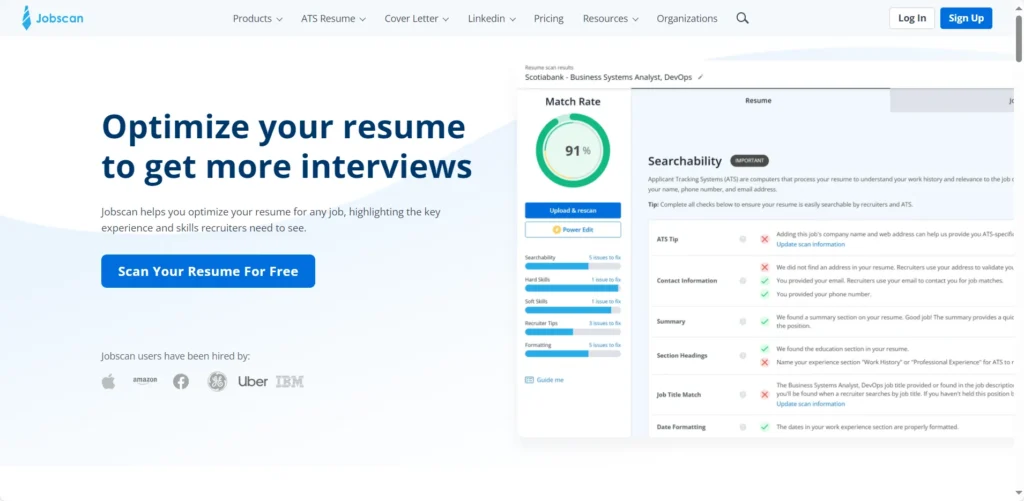
Jobscan is the original “beat the ATS” tool. It’s less of a builder and more of a diagnostic scanner. You build your resume elsewhere, then run it and the job description through Jobscan to get a detailed “match score” and a list of missing keywords.
-
Best for: Data-driven job seekers who want to “A/B test” their resume against an ATS.
-
Key Features:
-
Unlimited Resume Scans (Premium).
-
Direct keyword-to-job-description comparison.
-
AI “One-Click Optimize” to add missing skills.
-
LinkedIn Optimization scanner.
-
Free, ATS-friendly resume builder and templates.
-
-
Pricing: Free tier (provides a basic resume score). Premium is expensive at $49.95/month or $89.95/quarter (after a 2-week free trial).
-
Pros: The most detailed ATS analysis on the market. It teaches you how an ATS thinks.
-
Cons: Very expensive. The builder itself is basic; the real product is the scanner.
-
Quick Tip: Use the free builder to create a solid, ATS-friendly “Master Resume,” then use your free scans strategically on your top 3-5 “dream jobs.”
-
Privacy & Storage: Stores resumes: Yes.
-
Careerflow.ai
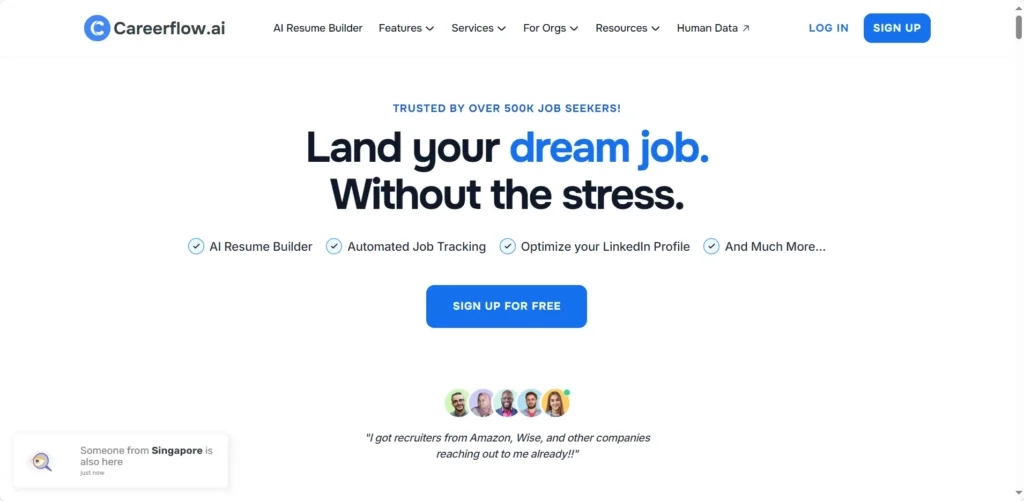
Similar to Teal, Careerflow is an “all-in-one” AI toolkit for job seekers. It features a resume builder, job tracker, and a popular LinkedIn review tool.
-
Best for: Job seekers who live on LinkedIn and want an integrated toolkit.
-
Key Features:
-
AI resume builder with “Basic Resume Keyword Matching” (Free).
-
Unlimited Resume Analysis (Premium).
-
Job Tracker with autofill (10 tracked jobs on free plan).
-
AI Cover Letter Generator.
-
-
Pricing: Free “Basic” plan (1 free resume, 10 tracked jobs). Premium is ~$14.41/month (billed annually) or $45/month (billed monthly).
-
Pros: The LinkedIn optimization tool is a great free feature. The job tracker is robust.
-
Cons: The free resume builder is more limited than Teal’s or FlowCV’s.
-
Quick Tip: Use the free LinkedIn Review tool first to polish your profile, then import that data into the resume builder.
-
Privacy & Storage: Stores resumes: Yes. States you are transferring data to the US.
Group 2: The “Truly Free” & Privacy-First Tools
I highly recommend these for anyone on a budget or concerned about data privacy. “Truly free” means no watermarks and no “pay-to-download” tricks.
-
FlowCV
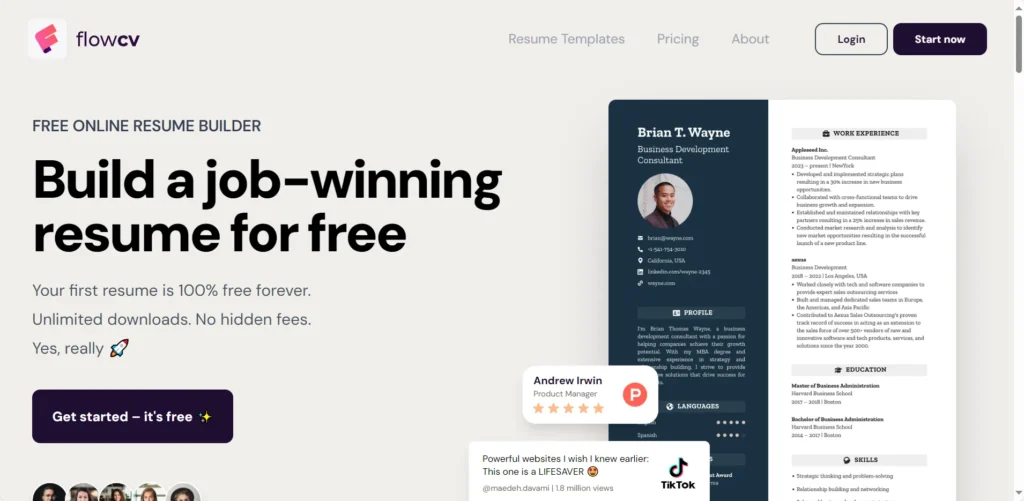
FlowCV is a breath of fresh air. It’s an indie-developed tool built on a simple promise: your first resume is 100% free, forever, with no tricks. No watermarks, no hidden fees, and full access to all design features.
-
Best for: Everyone. Especially students, budget-conscious seekers, and privacy-advocates.
-
Key Features:
-
The first resume is 100% free, forever.
-
No watermarks. Unlimited PDF downloads.
-
All design features (50+ templates, full customization) included for free.
-
Premium plan unlocks AI features and multiple resumes.
-
-
Pricing: Free for your first resume. Premium (for more resumes/AI) plans are available [needs verification].
-
Pros: The best free model on the market. Honest, transparent, and private-first.
-
Cons: Free plan doesn’t include the AI features; you have to pay for those.
-
Quick Tip: This is the perfect tool to build your “Master Resume.” Make one perfect, free resume, then use it as your base.
-
Privacy & Storage: Stores resumes: Yes. “We never sell your data. Period.”
-
Resume.com (Indeed Resume Builder)
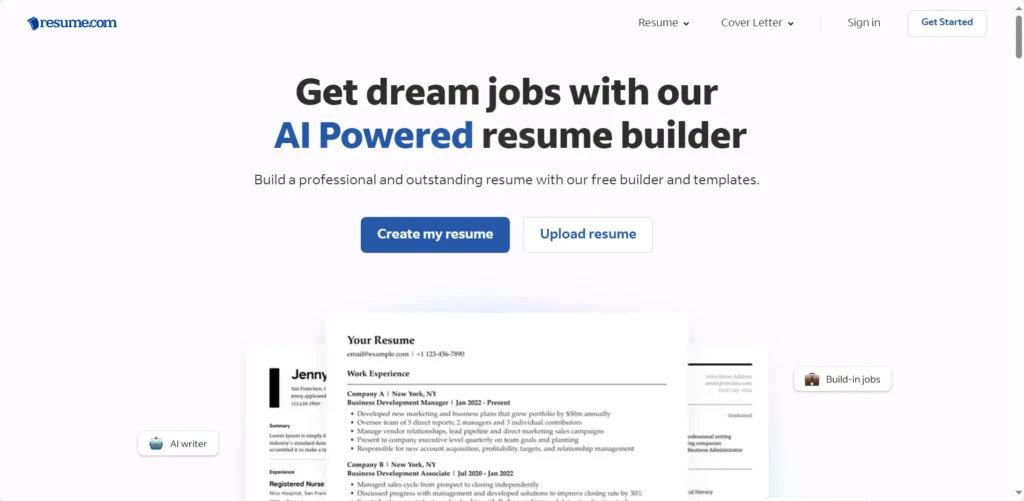
Owned by the job board Indeed, Resume.com is a 100% free builder. It’s simple, no-frills, and integrates directly with Indeed’s job-search ecosystem.
-
Best for: Job seekers who primarily use Indeed and need a fast, free, and functional resume.
-
Key Features:
-
100% free to use, no hidden costs.
-
15+ basic, ATS-friendly templates.
-
Direct integration with Indeed.
-
PDF export.
-
-
Pricing: Completely free.
-
Pros: Truly free, no “bait-and-switch.” Simple and gets the job done.
-
Cons: Templates are very basic. Your resume is public on Indeed by default [needs verification]. AI features are less advanced than competitors.
-
Quick Tip: A great, safe choice if you just need a simple, ATS-friendly resume and don’t care about flashy designs.
-
Privacy & Storage: Stores resumes: Yes. (Part of Indeed’s ecosystem).
Group 3: The Classic AI-Writers (Great Tools, Watch the Price)
These are the core “AI writers” that use GPT to help you write.
-
Kickresume
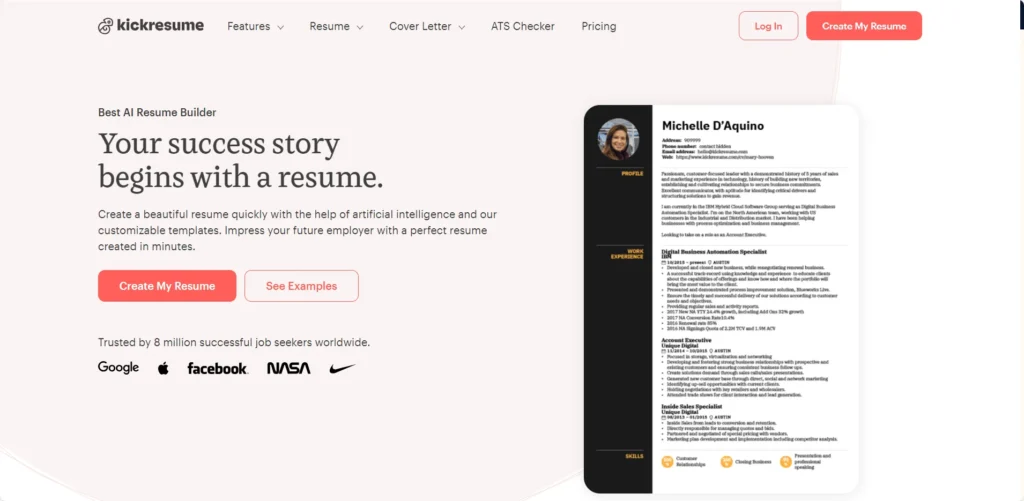
Kickresume is one of the most popular and well-balanced builders. It combines strong GPT-4-powered AI writing, a large library of 40+ templates, and a “personal website” builder, all in one.
-
Best for: Students and creative professionals who want a dash of design.
-
Key Features:
-
GPT-4 AI writer for bullet points and summaries (Paid).
-
AI-powered interview question generator.
-
Turn your resume into a personal website with one click.
-
40+ templates, 1,500+ resume examples.
-
-
Pricing: Free tier (limited templates, no AI). Premium is $19/month or $60/year. Students get 6 months free.
-
Pros: Affordable and student-friendly. The AI “toolbox” is more than just a writer. Mobile apps are a plus.
-
Cons: AI can sometimes be inaccurate [needs verification]. Customization can be rigid.
-
Quick Tip: If you’re a student, the 6-month free premium plan is one of the best deals available.
-
Privacy & Storage: Stores resumes: Yes. Your data is private unless you consent to share it with employers. Uses OpenAI for AI features.
-
Rezi
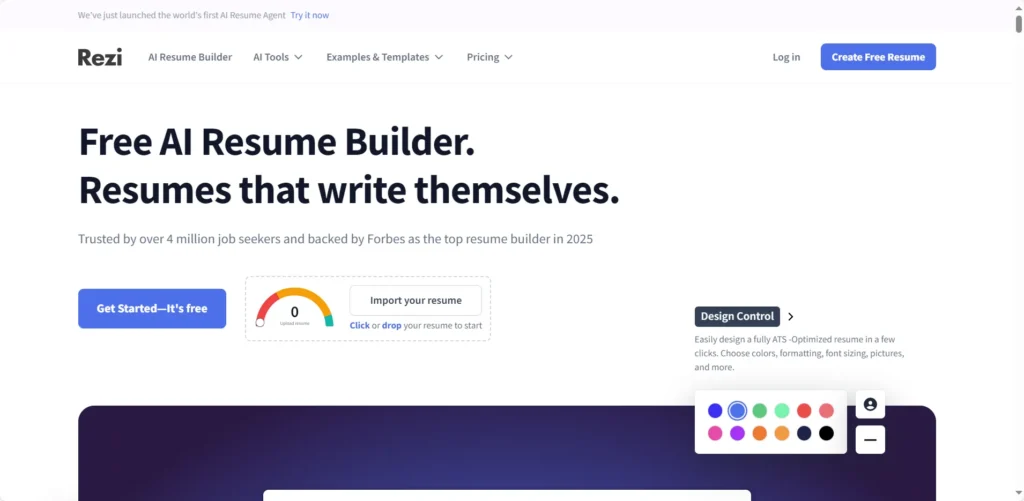
Rezi is built for one thing: beating the ATS. Its entire interface is built around a “Rezi Score” that analyzes your resume against 23+ criteria. It’s a favorite on Reddit for its technical, keyword-focused approach.
-
Best for: Tech, finance, and other data-driven professionals who “live by the metrics.”
-
Key Features:
-
“Rezi Score” (rates your resume out of 100).
-
AI Keyword Targeting (scans job descriptions).
-
AI Bullet Point Writer (focuses on metrics).
-
Real-time content analysis as you type.
-
-
Pricing: Restrictive free tier (1 resume, 3 downloads). Pro is $29/month. Lifetime plan available for $149.
-
Pros: Excellent, in-depth ATS optimization. The “Lifetime” plan is good value for active job seekers.
-
Cons: The free tier is very limited. Formatting is extremely rigid.
-
Quick Tip: Focus on the “Rezi Score” and “Keyword Targeting” features to optimize your resume for a specific job, then export to DOCX to do final formatting tweaks.
-
Privacy & Storage: Stores resumes: Yes. Data is used to provide the service and communicate with you.
-
Novoresume
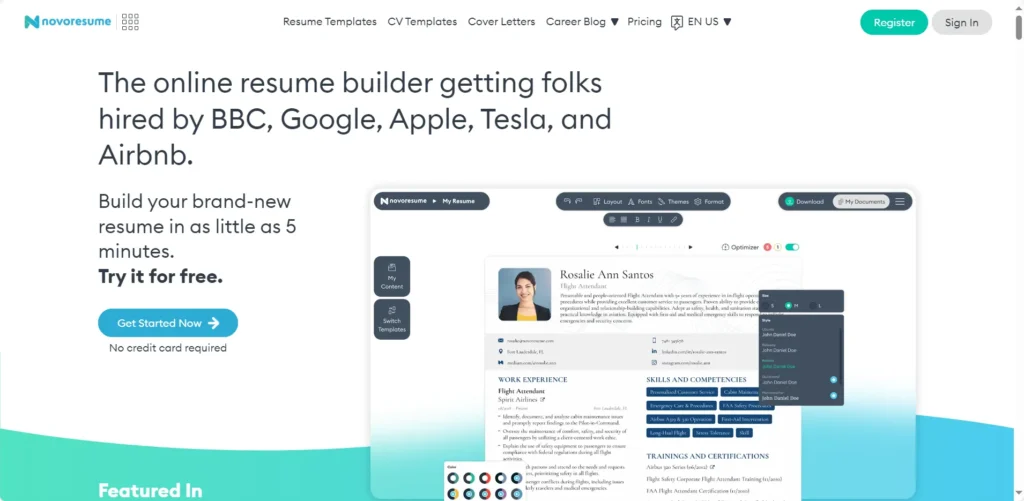
Novoresume is known for its sleek, modern, and highly professional designs. It’s less focused on flashy AI and more on creating a clean, elegant, ATS-friendly document.
-
Best for: Executives, academics, and professionals in conservative industries (like finance or law).
-
Pricing: Free tier is very limited (1-page resume, no cover letter). Premium is $21.99/month (or quarterly/yearly). Note: AI features may require a separate “AI token” purchase [needs verification].
-
Pros: Beautiful, minimalist templates. No recurring billing/automatic subscription.
-
Cons: Free tier is one of the most restrictive. The “AI token” model [needs verification] is confusing and can add up. PDF only.
-
Quick Tip: This is the tool for you if you already know what to write and just want it to look sharp and professional.
-
Privacy & Storage: Stores resumes: Yes. GDPR-compliant.
Group 4: The “Bait-and-Switch” Giants (Use With Extreme Caution)
This is a critical warning. These tools are popular and rank high on Google, but they are known for “bait-and-switch” pricing that traps users in expensive, hard-to-cancel subscriptions . I am including them so you know what to watch out for.
-
Zety
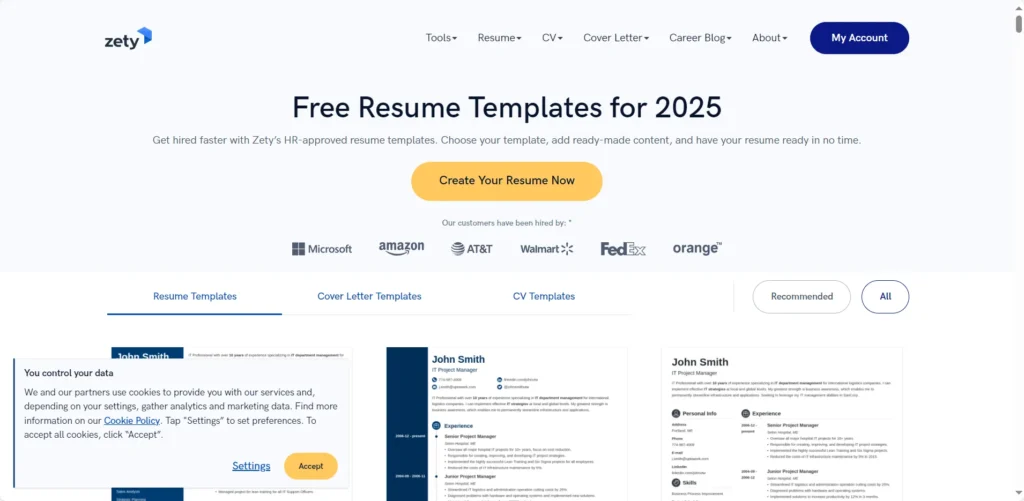
Zety is one of the biggest and most visible resume builders. It has a clean interface and good AI suggestions, but it’s infamous for its pricing model.
-
Best for: First-time resume writers who are very careful to cancel their trial.
-
Key Features:
-
20+ templates.
-
AI suggestions.
-
Step-by-step guidance, great for beginners.
-
-
Pricing: Free to build. 14-day trial for $1.95-$2.70 to download. Auto-renews at $23.70-$25.95 every 4 weeks.
-
Pros: Simple, easy-to-use interface. Good templates.
-
Cons: Widespread billing complaints and difficulty canceling . Deceptive “trial” model. Privacy policy allows for “profiling” you for targeted ads.
-
Quick Tip: If you use this, set a calendar reminder to cancel your subscription the day you sign up.
-
Privacy & Storage: Stores resumes: Yes. Uses data for “profiling” and “targeted ads.”
-
Resume.io
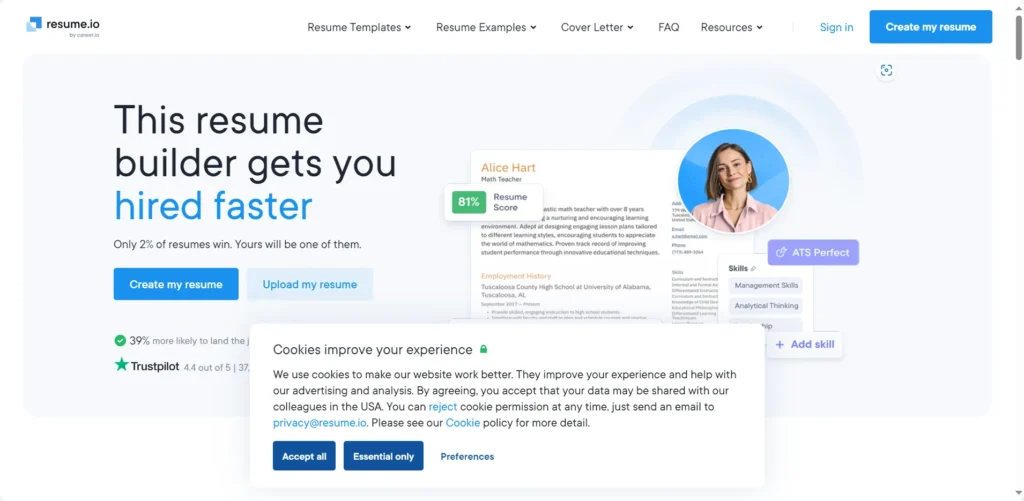
Like Zety, Resume.io is a very popular tool with a clean builder that unfortunately relies on a confusing trial-to-subscription model.
-
Best for: Users who find a template they love and are willing to pay for it (and remember to cancel).
-
Key Features:
-
Good templates and AI-powered suggestions.
-
Resume “score” [needs verification].
-
-
Pricing: Free tier only allows TXT download. 7-day trial for $2.95. Auto-renews at $24.95-$29.95 every 4 weeks.
-
Pros: Professional templates.
-
Cons: Deceptive auto-renewal subscription . Users report being charged unexpectedly. AI summary generator is reported as generic.
-
Quick Tip: You can often find a 6-month or 12-month non-renewing plan, which is a much safer bet if you like the tool.
-
Privacy & Storage: Stores resumes: Yes. Resumes are “private by default.” GDPR compliant.
-
MyPerfectResume
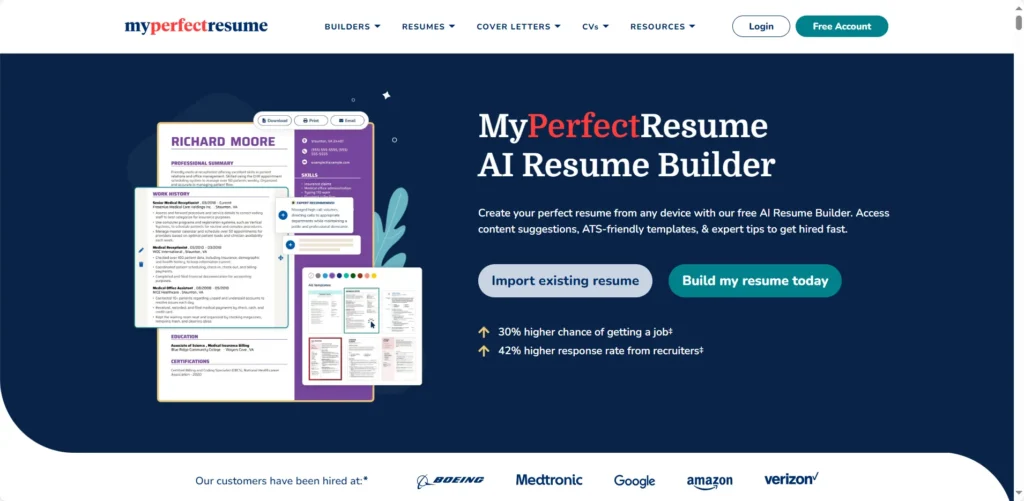
Another major player in the “fast resume” space. MyPerfectResume uses AI-generated content suggestions to help you build a resume in minutes, but shares the same deceptive pricing model as its competitors.
-
Best for: Beginners who need pre-written, AI-generated content to get started.
-
Key Features:
-
40+ ATS-friendly templates.
-
AI-generated, pre-written content suggestions.
-
AI Cover Letter Generator.
-
-
Pricing: Free tier is TXT-only. 14-day trial for $2.95. Auto-renews at $23.95 every 4 weeks.
-
Pros: AI content suggestions are good for overcoming writer’s block.
-
Cons: The auto-renewal policy catches many users off guard .
-
Quick Tip: Use the free builder to get AI-generated ideas for your bullet points, then copy that text into a truly free builder like FlowCV.
-
Privacy & Storage: Stores resumes: Yes. May collect data from social media and mobile devices.
-
ResumeGenius
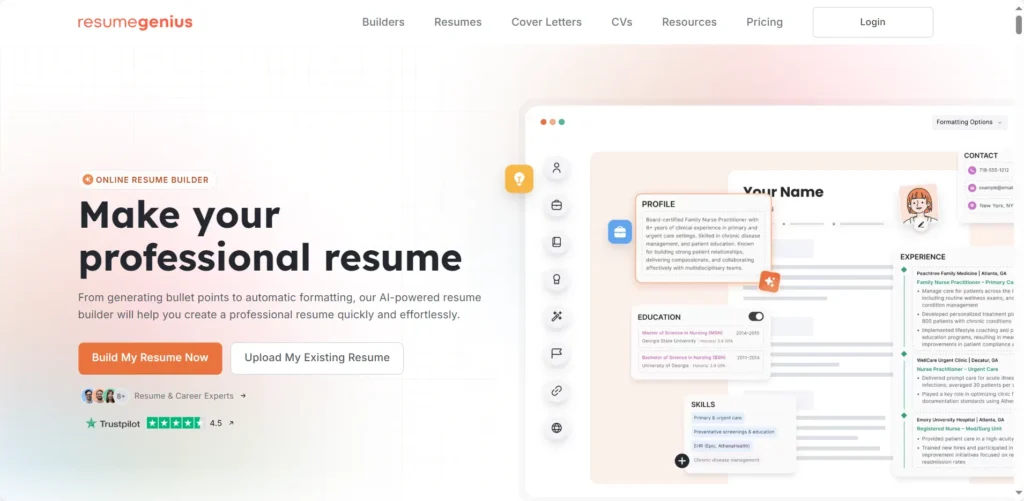
As the name implies, this tool is fast. It’s designed to get a resume done in minutes using AI-powered, pre-filled bullet points. You pick a template, enter your job title, and it auto-populates your resume.
-
Best for: People in a hurry who need a good-enough resume right now.
-
Key Features:
-
AI-powered “pre-filled bullet points”.
-
AI (GPT-4) Summary Generator.
-
“Fast and easy” 5-minute workflow.
-
-
Pricing: Free download is TXT-only. 14-day trial for $2.95. Auto-renews at $23.95 every 4 weeks.
-
Pros: Extremely fast. The AI bullet points are a good starting point.
-
Cons: Deceptive pricing model . Templates are basic and formatting is rigid.
-
Quick Tip: Like MyPerfectResume, use this to “brainstorm” your content, then cancel the trial immediately.
-
Privacy &Storage: Stores resumes: Yes. GDPR/CCPA compliant.
Group 5: The Niche & Creative Tools
These tools are for specific use cases, like creative fields or freelancers.
-
Enhancv
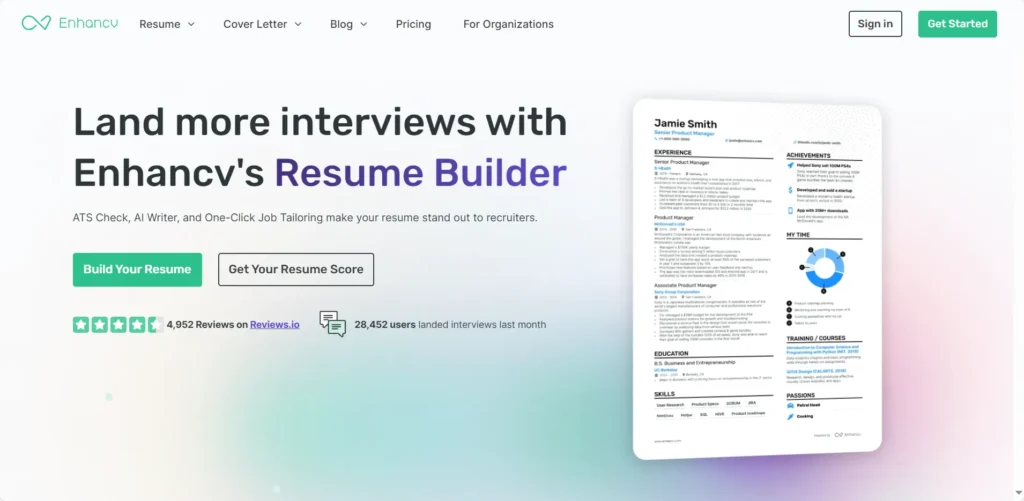
Enhancv is for making a resume that stands out visually. It focuses on creative, beautiful designs with unique sections like “Life Philosophy.”
-
Best for: Creative professionals (designers, marketers) where a visual portfolio matters.
-
Key Features:
-
40+ beautiful, designer templates.
-
Easy drag-and-drop editor.
-
Unique sections (Life Philosophy, Books, etc.).
-
ChatGPT integration.
-
-
Pricing: 7-day free trial (downloads include watermarks). Pro is $24.99/month or $49.99/quarter.
-
Pros: The most beautiful templates available. Great for creative fields.
-
Cons: ATS compatibility concerns. These pretty templates may fail ATS parsing [needs verification]. “Style over substance.”
-
Quick Tip: Use this only for applications where you are emailing a person directly, not uploading to an online portal.
-
Privacy & Storage: Stores resumes: Yes. Claims they “do not sell or share your personal data with AI model providers.”
-
VisualCV
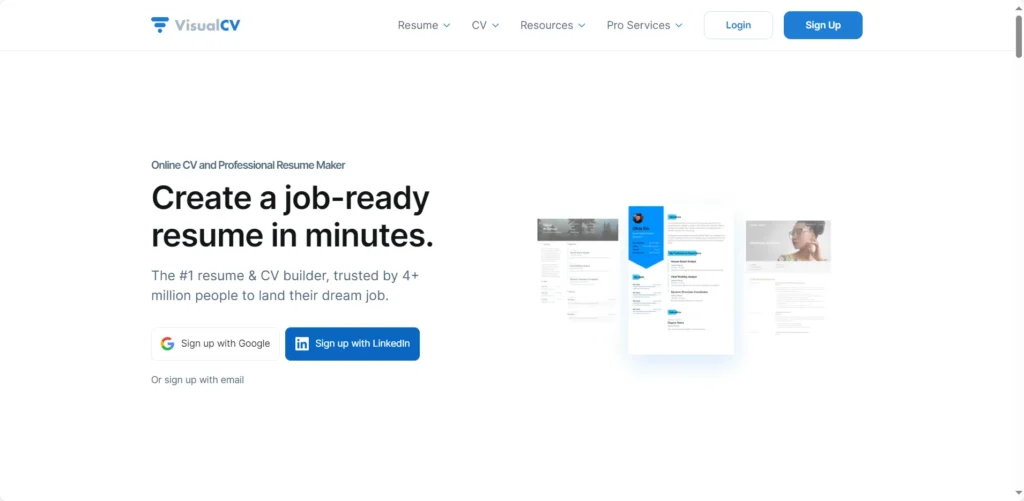
VisualCV is built for professionals who need to manage multiple versions of their resume, such as freelancers or consultants. Its standout feature is resume-tracking analytics.
-
Best for: Freelancers and consultants who want to track who views their resume.
-
Key Features:
-
Resume performance analytics (track views and downloads).
-
Create and manage unlimited resumes (Pro).
-
AI Resume Builder (GPT-4 powered).
-
-
Pricing: Free tier (1 resume, limited templates). Pro is $16/month (billed quarterly) or $24/month (billed monthly).
-
Pros: Resume tracking is a unique, powerful feature. Excellent privacy policy.
-
Cons: Conflicting user reports on whether its visual templates are truly ATS-friendly.
-
Quick Tip: Create a public VisualCV link to use in your email signature or on your LinkedIn profile, then use the analytics to see which companies are viewing it.
-
Privacy & Storage: Stores resumes: Yes. “We DO NOT sell data to third parties or advertisers.”
-
Canva
This is my official warning. Canva is an amazing graphic design tool. It is a terrible resume builder for any job you apply for online. Its templates use text boxes, columns, icons, and shapes that ATS parsers cannot read, leading to an automatic rejection .
-
Best for: Graphic designers only, or for a resume, you will hand it to someone in person.
-
Key Features:
-
1M+ templates (not just for resumes).
-
Incredible design and customization tools.
-
AI “Magic Write” for content.
-
-
Pricing: Generous free plan.
-
Pros: Total creative control. Beautiful, unique designs.
-
Cons: Not ATS-compatible. Using a Canva resume for an online application is like sending a blank document .
-
Quick Tip: Do not use Canva for any resume you plan to submit to an online job portal.
-
Privacy & Storage: Stores designs (resumes): Yes. May use user content for AI training (unless on Education account).
How I Tested These Tools
To build this report, I didn’t just read marketing pages. As a career tech analyst, I’ve been tracking this market for years. For this 2026 update, I personally signed up for and tested over 17 different AI resume builders to see which ones are genuinely helpful and which are just traps.
My process involved:
-
Testing the Free Tier: I signed up for each free plan to identify the exact limits. I looked for watermarks, download-blocking (like at Resume.io), and template restrictions (like at Novoresume).
-
Analyzing the “AI“: I tested the AI writers (like Kickresume’s) and, more importantly, the “Job Match” scanners (like Teal’s). I fed them a real job description to see if the keyword suggestions were relevant.
-
Checking for ‘Traps’: I specifically investigated the checkout process for the “bait-and-switch” subscription models to protect you from unexpected charges.
-
Reading the Privacy Policies: I read the fine print to find out who sells your data (like Zety, for “profiling”) and who actually keeps it private (like FlowCV and VisualCV).
This analysis was conducted in January 2026 to ensure all pricing and feature data are up-to-date.
3 Mini-Tutorials: How to Use AI Resume Builders Effectively
-
How to Turn a Job Description into a Tailored Resume (in 5 Minutes)
This is the single most important skill. Here’s how:
-
Start with a “Master Resume” that lists all your experience (you can build this in a free tool like FlowCV).
-
Open a tool with a “Job Match” or “Keyword Scanner” feature (like Teal, Jobscan, or Rezi).
-
Find a job you want and paste the job description into the tool.
-
Upload your Master Resume. The AI will scan both and give you a “Match Score” (e.g., 58%).
-
The tool will show you a list of “Missing Keywords” (e.g., “campaign optimization,” “data visualization,” “SEO/SEM”).
-
This is the key: Go into your bullet points and naturally add these exact keywords where they are true.
-
Example: Change “Managed ad campaigns” to “Managed ad campaigns using SEO/SEM best practices to achieve campaign optimization.”
-
Re-scan your resume. Once your score is over 80%, export it as a PDF and apply.
-
How to Use AI to Write Better Bullet Points (Not Fake Ones)
The biggest mistake is letting AI invent your job. The smart way is to use it as an editor.
-
Start with your honest, simple bullet point. Example: “Was responsible for the company blog.”
-
Open an AI writer (like Kickresume’s or Rezi’s).
-
Give it a clear prompt: “Rewrite this bullet point for a ‘Content Marketing Manager’ resume. Focus on metrics and use the XYZ format (Accomplished [X] as measured by, by doing [Z]).”
-
The AI will suggest: “Grew blog traffic by 40% (Y) by implementing a data-driven SEO strategy (Z) and managing a team of 3 freelance writers (X).”
-
Crucial Step: You must edit and verify. If traffic only grew 20%, change “40%” to “20%.” If you didn’t have a team, remove that part. This keeps it honest but makes it powerful.
-
How to Import from LinkedIn to Create a “Master Resume”
This is the best way to start and saves hours.
-
Go to your LinkedIn profile and make sure it’s 100% up-to-date.
-
Sign up for a tool that has an “Import from LinkedIn” feature (like Teal, VisualCV, or Kickresume).
-
Follow the steps to connect your profile. The tool will auto-populate your entire resume in seconds.
-
This is now your “Master Resume.” It’s probably 3-4 pages long. That’s OK!
-
DO NOT use this version to apply for jobs.
-
For every application, duplicate this Master Resume and use “Tutorial 1” to delete 60-70% of the content, leaving only the most relevant information for that specific job.
Frequently Asked Questions (FAQ)
Q: Is it illegal or unethical to use an AI resume builder?
A: No. It is only unethical if you lie. Using AI for formatting and phrasing is like using a spell-checker. Using it to invent skills is fraud.
Q: Will recruiters know I used AI and reject me?
A: They’ll know if it sounds generic and robotic. Research shows human-written, AI-enhanced resumes get more interviews. Use AI as an assistant, not a replacement.
Q: What is the “Canva Trap”?
A: The “Canva Trap” uses a beautiful, creative resume (like from Canva) that an ATS machine cannot read. The columns, graphics, and text boxes fail, and your resume is rejected .
Q: What is an ATS, really?
A: An Applicant Tracking System. It’s software that 98% of large companies use to scan, filter, and rank resumes before a human sees them .
Q: Is my resume data private?
A: Assume no, unless proven otherwise. Some tools (FlowCV, VisualCV) promise not to sell your data. Others (Zety) explicitly state in their privacy policy they use it for “profiling” .
Q: Can these tools write my cover letter, too?
A: Yes, almost all of them (Kickresume, Rezi, Zety, etc.) have a matching AI Cover Letter Generator that uses your resume data.
The Final Verdict
In the 2026 job market, an AI resume builder is no longer optional; it’s essential for getting past the automated gatekeepers. If recruiters only spend 7 seconds on your resume , you must ensure it’s optimized to pass the bots first.
Don’t get trapped by deceptive pricing . My professional recommendation is to use a two-step process:
-
Start with a “Truly Free” tool like FlowCV to build your “Master Resume.”
-
Then, use a powerful “Job Matcher” like Teal to tailor it for every job you really want.
Remember, the goal is to get your true skills in front of a human. Use these tools to enhance, not to deceive.
If you turn resumes into client decks, Autoppt helps you make clean, AI-ready slides fast.
AI Resume Generator Comparison Table
| Tool | Best For | ATS-Friendly? | Free? | Starting Price | Export Formats |
| Teal | Job Search Management | Yes (Excellent) | Yes (Generous) | $9/week | PDF, DOCX |
| FlowCV | Privacy & Free Users | Yes | Yes (Truly Free) | $0 | |
| Jobscan | ATS Keyword Analysis | Yes (Expert-Level) | Yes (Free Scan) | $49.95/month | PDF, DOCX |
| Kickresume | Students & Creatives | Yes | Yes (Limited) | $19/month | PDF, DOCX |
| Rezi | ATS Scoring | Yes (Excellent) | Yes (Limited) | $29/month | PDF, DOCX |
| Novoresume | Professional Design | Yes | Yes (Limited) | $21.99/month | |
| Zety | Beginners | Yes | No (Trial Trap) | $1.95 (14-day) | PDF, DOCX, TXT |
| Resume.io | Fast Templates | Yes | No (Trial Trap) | $2.95 (7-day) | PDF, TXT |
| MyPerfectResume | Beginners | Yes | No (Trial Trap) | $2.95 (14-day) | PDF, DOCX, TXT |
| ResumeGenius | Speed | Yes | No (Trial Trap) | $2.95 (14-day) | PDF, DOCX, TXT |
| Enhancv | Creative Fields | Use with caution | Yes (Watermark) | $24.99/month | PDF, TXT |
| VisualCV | Freelancers (Tracking) | Yes | Yes (Limited) | $16/month | PDF, DOCX |
| Canva | Graphic Design | No (Fails ATS) | Yes | $0 | PDF, PNG, JPG |
| Resume.com | Simple & Free | Yes | Yes (Truly Free) | $0 | PDF, TXT |
| Careerflow.ai | Job Tracking | Yes | Yes (Limited) | $14.41/month |
Create worry-free presentations with AutoPPT . Turn your ideas into slides quickly—while keeping them 100% yours!
About AutoPPT: An easy use AI tool for students and professionals. Generate editable slides, customize designs, and focus on what matters—your unique ideas.

Autoppt: Generate presentations in 1 minute!
Start Free Trail Now