


Michael Anderson
Former journalist turned tech writer with a passion for helping professionals enhance productivity through AI.
Introduction
Hey fellow educators! Can you believe it’s 2025 already? The world of education is always changing, and one of the biggest game-changers lately has been Artificial Intelligence. Now, I know what some of you might be thinking: “Another tech trend?” But trust me, AI isn’t just a buzzword anymore. It’s becoming a real partner in the classroom, helping us teachers save precious time and make our lessons even better.
In this guide, I’m excited to share my top 10 favorite AI tools for teachers in 2025. These aren’t just fancy gadgets; they’re practical helpers that can assist with everything from creating engaging slides and planning lessons to crafting quizzes and giving personalized feedback. Let’s dive in and see how these tools can make your teaching life a little easier and a lot more productive!

Autoppt

First up, and a personal favorite, is Autoppt. If you want to save time creating slides, Autoppt is a smart and easy option. It’s fantastic for quickly turning your lesson content or even just a few ideas into clean, professional-looking slides. You just give it your topic or upload a document, and it whips up a full presentation in minutes. It’s super fast, generates slides automatically, and you don’t need to be a design expert to make beautiful presentations. It even handles different file types, like PDFs and Word documents, which is a huge plus!
Canva for Education

Next, we have Canva for Education. Many of you probably already use Canva for its amazing design capabilities, but the education version is truly a gem! It helps us create stunning visuals for everything from lesson plans and infographics to posters and videos. What I love about it is how it integrates with popular classroom tools like Google Classroom and Canvas, making sharing a breeze. Plus, it’s 100% free for K-12 teachers and students, which is incredible! One thing to be aware of is that while its AI features are growing, it’s still primarily a design tool, so for very specific AI-driven tasks like complex lesson planning, you might need a more specialized tool.
MagicSchool
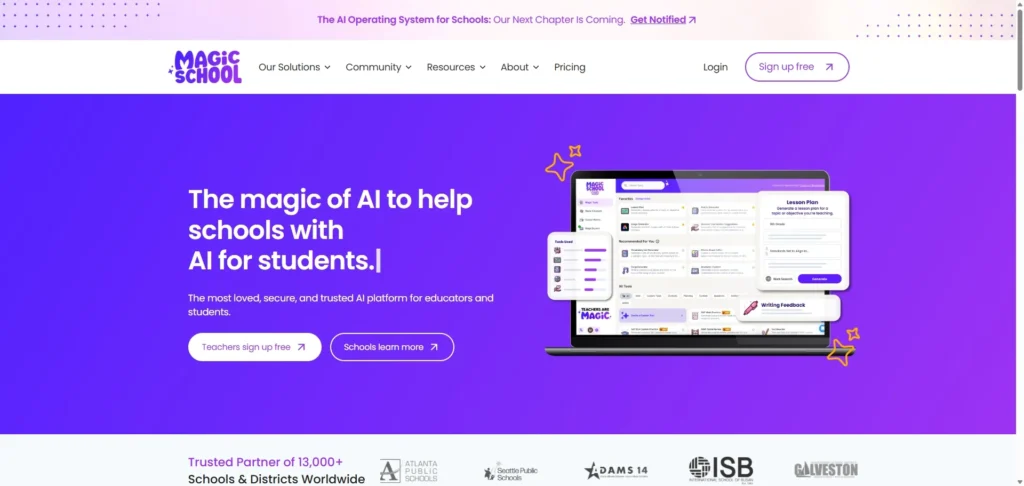
MagicSchool.ai is like having a super-powered teaching assistant. It’s packed with over 80 tools designed specifically for educators, helping with everything from lesson planning and creating assignments to generating newsletters and even helping with IEPs. It’s incredibly popular in K-12 schools and aims to reduce teacher burnout. They even have tools to help students learn about AI responsibly. One thing to be aware of is that while they offer a generous free plan, some of the really cool features, like unlimited generations or one-click exports to Google and Microsoft, are part of their paid subscription.
Curipod

If you’re looking to make your lessons more interactive, Curipod is a fantastic choice. This tool uses AI to help you create engaging presentations with polls, quizzes, and drawing activities. It even provides real-time AI feedback for students, which is a game-changer for keeping them engaged. It’s built with sound educational principles in mind and supports multiple languages. One thing to be aware of is that the free plan has limitations on lesson translations and the length of AI feedback, so you might hit a wall if you use it extensively without upgrading.
SlidesAI

Similar to Autoppt, SlidesAI is another excellent tool for quickly generating presentations. You can turn any text, notes, or lesson outlines into visually appealing slides in seconds. It’s particularly handy if you’re a Google Slides user, as it works directly within that platform. It can even generate AI images and themes to make your presentations pop. One thing to be aware of is that while it’s great for speed, the AI-generated content might sometimes feel a bit generic, so you’ll want to review and customize it to truly make it your own.
Eduaide

Eduaide.ai is like a comprehensive workspace for teachers, designed to simplify a huge range of tasks. It helps with lesson planning, creating resources (they boast over 150 AI tools!), designing assessments, and even managing administrative duties. It’s built by teachers, for teachers, and aims to align content with educational standards. One thing to be aware of is that the free tier has a pretty strict limit on the number of generations you can do each month, so you might quickly find yourself needing a paid plan if you use it frequently.
Diffit

Diffit is a game-changer for differentiation in the classroom. This AI tool helps you take any text, article, or even video and instantly adjust it to different reading levels. It can generate summaries, comprehension questions, and vocabulary lists, making it super easy to meet the diverse needs of your students. A big plus is that it uses cited sources and doesn’t collect student data. One thing to be aware of is that while it’s incredibly helpful, the free version has limitations, and the individual subscription can add up if your school doesn’t provide it.
Conker
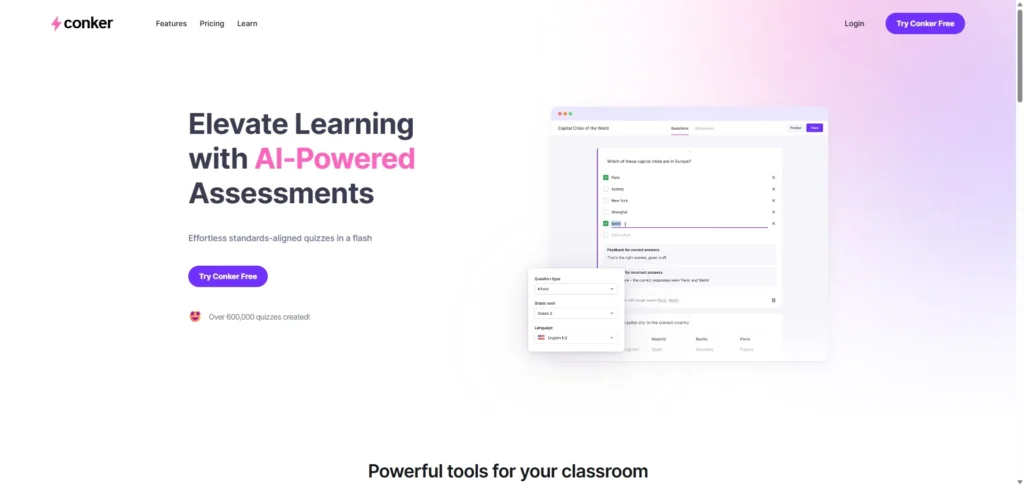
Creating quizzes can be a real time-sink, but Conker.ai makes it a breeze. This AI-powered tool automates quiz creation, letting you generate various question types like multiple-choice, fill-in-the-blank, and true/false in a flash. It integrates nicely with Google Classroom and Canvas LMS, which is super convenient. One thing to be aware of is that while it’s great for generating questions quickly, you might find that some of the AI-generated questions are a bit generic or need tweaking to perfectly match your specific learning objectives.
Notion AI (for teachers)

Notion AI brings the power of AI directly into your Notion workspace, which many teachers already use for organization. It’s fantastic for lesson planning, summarizing notes, brainstorming ideas, and even helping with grammar and spelling. Think of it as an intelligent assistant that helps you manage all your teaching tasks in one place. One thing to be aware of is that while Notion itself has a free education plan, the AI features are a paid add-on, so you’ll need to factor that into your budget.
ChatGPT (education use)

Last but certainly not least, we have ChatGPT. While it’s a general-purpose AI, its applications for teachers are vast. You can use it for everything from generating lesson plan ideas and creating quiz questions to drafting emails to parents and even role-playing challenging conversations. It’s a powerful conversational AI that can save you tons of time on content creation and administrative tasks. One thing to be aware of is that while there’s a free version, the more advanced models (like GPT-4o) and higher usage limits come with a paid subscription. Also, always double-check the accuracy of the generated content, as AI can sometimes make mistakes.
Comparison Table
| Tool | Best For | Main Feature | Limitation |
| Autoppt | Fast slide generation | Auto slide generation from text/ideas | None (as per user instruction) |
| Canva for Education | Visual content creation & design | AI-powered design tools, extensive templates | AI features less specialized than dedicated tools |
| MagicSchool | Comprehensive teacher assistance | 80+ AI tools for lesson planning, assessment, etc. | Advanced features locked behind paid plan |
| Curipod | Interactive lesson creation | AI-generated interactive presentations with real-time feedback | Free plan has limitations on translations/feedback length |
| SlidesAI | Quick presentation generation (Google Slides) | AI-powered text to presentation, AI images | AI content can be generic, primarily Google Slides focused |
| Eduaide | All-in-one teacher workspace | 150+ AI tools for lesson planning, resources, assessment | Free tier has strict generation limits |
| Diffit | Differentiated instruction | Adjusts text to different reading levels, generates resources | Free version has limitations, individual subscription can be costly |
| Conker | Automated quiz creation | AI-powered quiz generation with diverse question types | AI-generated questions might need tweaking for specificity |
| Notion AI (for teachers) | Organization & content management | AI writing assistant, summarization, task management | AI features are a paid add-on |
| ChatGPT (education use) | General content generation & assistance | Conversational AI for lesson plans, quizzes, emails | Free version limitations, accuracy needs verification |
Conclusion
As you can see, AI tools are truly transforming the way we teach, helping us focus more on our students and less on the endless paperwork and prep work. It’s an exciting time to be an educator, with so many innovative solutions at our fingertips.
If you’re just starting your AI journey, I highly recommend giving Autoppt a try to quickly build lessons or presentations. It’s a fantastic way to experience the power of AI without a steep learning curve. And for all of you, I encourage you to explore these tools and find the ones that best fit your unique teaching style and classroom needs. Happy teaching!
Create worry-free presentations with AutoPPT . Turn your ideas into slides quickly—while keeping them 100% yours!
About AutoPPT: An easy use AI tool for students and professionals. Generate editable slides, customize designs, and focus on what matters—your unique ideas.

Autoppt: Generate presentations in 1 minute!
Start Free Trail Now