


Michael Anderson
Former journalist turned tech writer with a passion for helping professionals enhance productivity through AI.
The 2026 Brochure: AI, Print, and the New Digital Vanguard
In the 2026 marketing landscape, the humble brochure has undergone a profound, AI-driven evolution. The term itself has fractured, splitting into two distinct, high-stakes assets. Artificial intelligence is no longer a simple add-on; it is the “creative and strategic engine” behind modern marketing, empowering teams to move from concept to campaign in hours instead of weeks.

This AI-accelerated marketplace has created two parallel “pro-level” brochure workflows. Understanding the critical differences between them is the single most important step in choosing the right tool.
-
The Print-Ready Workflow: This is the traditional, physical brochure destined for an offset press. “Pro” here is a technical, non-negotiable standard. It demands high-resolution (300 DPI) PDF files, a CMYK (Cyan, Magenta, Yellow, Black) color profile to ensure inks print accurately , and full bleed and crop mark settings to ensure colors extend to the very edge of the paper with no white borders. Failure in any of these areas results in a costly, amateurish final product.
-
The Interactive-Digital Workflow: This is the new vanguard—a “brochure” that is a dynamic, web-based experience. “Pro” here is defined by data and engagement. It means embedding interactivity and multimedia (videos, maps, forms) , integrating with a CRM , and, most crucially, providing deep analytics and lead tracking to measure performance.
The central challenge for marketers in 2026 is that these two “pro” workflows are often mutually exclusive. Many powerful AI tools are built for a “digital-first” RGB (Red, Green, Blue) screen environment and explicitly fail at professional print. For instance, some platforms openly state they do not support the CMYK color space , making them unsuitable for a professional printer.
This report provides an exhaustive analysis of the 15 best AI brochure generators for 2026. Each tool is meticulously evaluated based on its AI generation capabilities, its brand management features, and, most critically, its ability to deliver a truly professional product for either the print or the digital workflow.
At-a-Glance: Feature Matrix of the 15 Best AI Brochure Generators (2026)
This matrix provides a high-level summary to help you shortlist tools based on your primary objective: professional print or interactive digital.
The AI Design Titans: Best All-in-One Generators
This category is dominated by the “Big 3” market leaders, who have integrated powerful, proprietary generative AI models into their established, user-friendly platforms. They represent the benchmark for all-in-one design.
-
Canva (with Magic Studio)
Analysis:
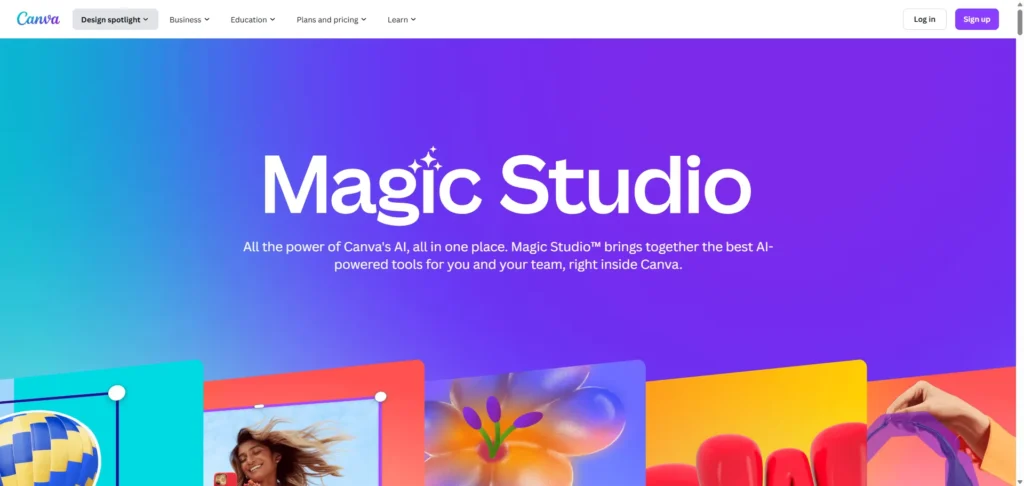
Canva is the undisputed all-in-one juggernaut. Its “Magic Studio” suite integrates AI across the entire design process. The flagship feature, “Magic Design” , generates complete, editable brochure templates from a simple text prompt. This AI is backed by an enormous library of over 1 million templates and more than 2 million stock assets, allowing the AI to pull from a vast pool of high-quality layouts and visuals.
Pro Capabilities (Print):
This is where Canva has matured into a truly professional tool. Once dismissed by designers, the Canva Pro plan now offers robust, professional print capabilities. Users can download a “PDF Print” file and, most critically, select a CMYK color profile.This is essential for ensuring the colors on the screen match the final printed inks. Furthermore, Canva fully supports the “Crop marks and bleed” setting , which is non-negotiable for any professional print job.
Pro Capabilities (Brand):
For business use, the “Brand Kit” is a core feature of the Pro plan. This allows a company to centralize its logos, brand fonts, and color palettes. The AI features can then use these assets to generate on-brand content, ensuring consistency across all materials.
Pricing:
Canva offers a highly generous Free pla that is perfect for most users. However, to “design like a pro” for print, the Canva Pro plan is required to unlock the essential CMYK export, Magic Resize, and the full Brand Kit.
Verdict & Insight:
Canva is the benchmark for 90% of businesses. It successfully combines market-leading AI-driven ease of use with newly-matured, professional-grade print outputs.
-
Adobe Express (with Firefly)

Analysis:
Adobe Express is Adobe’s powerful answer to Canva, built on the foundation of its industry-standard Firefly generative AI engine.This integration provides exceptionally powerful AI features, including text-to-template creation, “Generative Fill” (which allows users to add or remove objects from images using text prompts) , and generative AI for creating unique images and text effects from scratch.
Pro Capabilities (Print):
As an Adobe product, its print-readiness is its greatest strength. The Premium plan allows users to export a true “print-ready PD with a CMY color profile”. The platform also features clear, professional settings for managing “margin, bleed, and crop marks”, ensuring technically perfect output for a print house.
Pro Capabilities (Ecosystem):
The “killer feature” of Adobe Express is its deep integration with the full Creative Cloud. A user can import native Adobe Photoshop (psd) and Illustrator (ai) files, and edits can even sync back to the original applications.This creates a seamless AI-to-Pro workflow: a marketer can use AI to generate a draft, which can then be professionally finalized by a designer in Illustrator, establishing a scalable and collaborative process. The Premium plan also includes Brand Kits and access to over 200 million Adobe Stock assets.
Pricing:
The Free plan is robust, offering 25 generative credits per month. The Premium plan (US$9.99/month) is essential for professional use, unlocking 250 generative credits, Brand Kits, the full Adobe Fonts collection, and the complete stock asset library.
Verdict & Insight:
Adobe Express is the “professional’s choice.” It serves as the ultimate bridge between AI-driven speed and professional-grade creative control.
-
Microsoft Designer (with DALL-E)
Analysis:
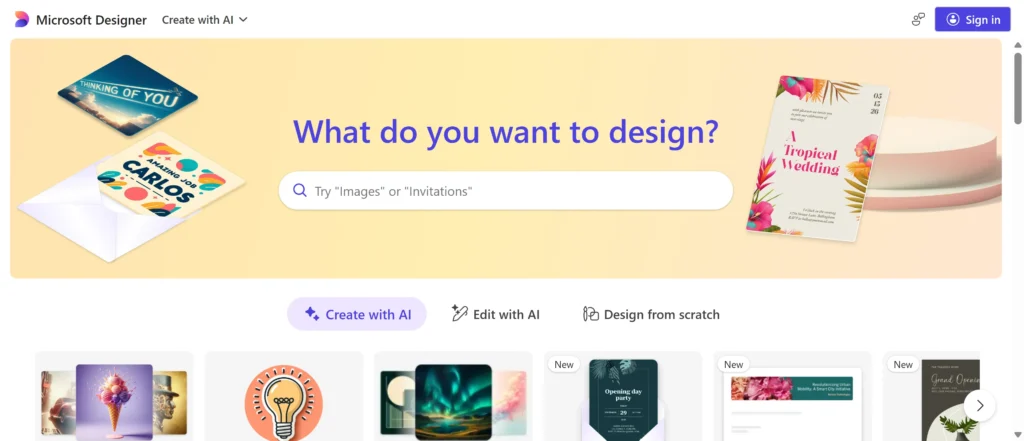
Microsoft Designer is the company’s AI-first challenger, powered by OpenAI’s DALL-E model. Its primary strength is its deep integration into the Microsoft 365 ecosystem.Users can leverage prompts in Copilot to generate designs and images, which can then be seamlessly incorporated into Microsoft Word documents or PowerPoint presentations. Its AI features are impressive, including text-to-image generation, generative erase, and background removal.
Pro Capabilities (The Weakness):
This is where Microsoft Designer stumbles for “pro” brochure use, revealing a significant strategic pivot. While some documentation mentions “Brand Kit Integration” , an official support document clarifies that as of October 20, 2025, Brand Kits are being formally deprecated and removed.
This move, combined with Microsoft’s other major announcement—the retirement of Microsoft Publisher in October 2026 —sends a clear signal. Microsoft is strategically abandoning the professional print design space. It is retiring its legacy print tool (Publisher) and removing its core brand consistency feature (Brand Kits).
This indicates that Microsoft Designer is being optimized as a digital-first asset creator for its core productivity suite (generating social media posts, presentation slides, and web graphics) , not as a viable competitor to Canva or Adobe for creating professional, brand-consistent, or print-ready brochures.
Pricing:
Microsoft Designer is included with Microsoft 365 Personal and Family accounts.
Verdict:
Excellent for generating digital assets and graphics within the Microsoft 365 ecosystem. By 2026, it is not a recommended tool for professional, brand-consistent, or print-ready brochure design.
The Data Storytellers: Best for Infographics and Business Reports
This category includes specialist tools that excel at turning dense information, complex data, and business content into compelling visual brochures and reports.
-
Venngage

Analysis:
Venngage is a top-tier specialist for data-driven visuals, moving beyond simple infographics to full-fledged brochure generation. Its “AI Brochure Generator” is a standout feature, taking text prompts and intelligently crafting professional layouts, suggesting appropriate icons, and even auto-applying your Brand Kit to the generated design.
Pro Capabilities (Print):
Venngage is a dark horse “pro print” tool with excellent and underrated capabilities. Its help center demonstrates a deep commitment to print-readiness. The platform has a dedicated “Show Print Bleed” setting and provides clear, professional-level guidance on the technical requirements for printing, including “DPI” (Dots Per Inch) and the importance of CMY color.
Pricing:
Venngage offers Free, Premium, and Business plans. The Business plan is required to unlock the most advanced AI features, the full Brand Kit, and team collaboration.
Verdict & Insight:
Venngage is the perfect choice for corporate, financial, or academic brochures that are data-heavy and must be printed professionally. It successfully combines a powerful, prompt-based AI generator with a robust, technically-proficient print backend.
-
Piktochart
Analysis:
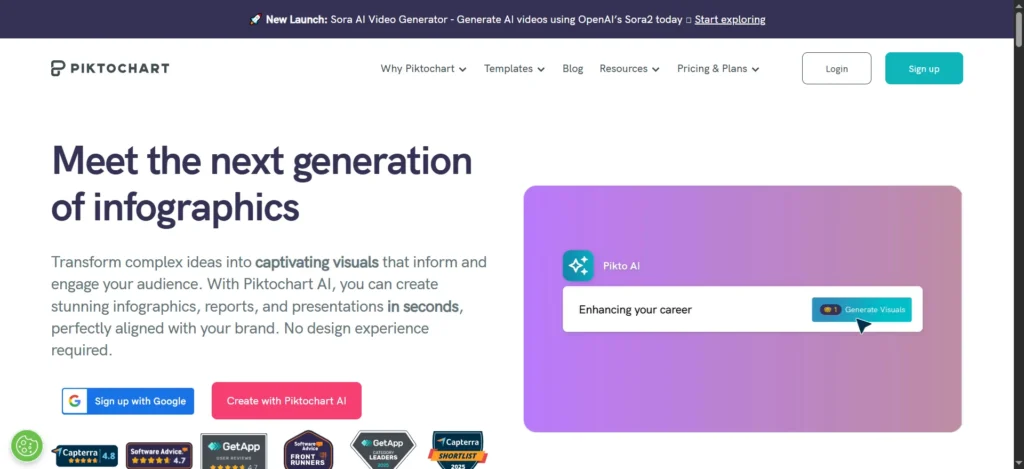
Piktochart is a powerful tool for creating “infographic and datadriven flyers”. Its “AI Brochure Maker” is a key feature with two modes: it can generate a design from a simple text prompt or, more impressively, transform existing documents (txt, docx, pdf) into a visual brochure , extracting and placing content automatically.
Pro Capabilities (The Print Trap):
This is a critical distinction for professionals. Piktochart is a digital-first tool, and its print capabilities are misleading. The platform heavily markets its “print” features , but the technical details betray this. First, PDF export is a premium feature locked behind the Business plan.
More importantly, a support document admits: “there is no margin or bleed set up” and “infographic formats are not optimised for printing.” It also states they are unable to provide a resolution in DPI. This confirms that Piktochart’s “print-ready PDF” is a high-quality RGB-PDF intended for an office printer, not a CMYK-PDF with bleeds required by a professional print house.
Pricing:
Piktochart offers Free, Pro, and Business plans. The Business plan is required for PDF exports.
Verdict:
A powerful AI for transforming content into digital visuals. It is excellent for educators, analysts, and marketers creating digital reports. It is not suitable for professional, high-quality print jobs.
-
Visme

Analysis:
Visme is a major all-in-one competitor to Canva, positioning itself as a complete platform for business visuals, from presentations to interactive brochures. It features an “AI Brochure Maker” alongside robust tools for creating interactive, data-driven content.
Pro Capabilities (Digital-First, Explicitly):
Unlike some platforms, Visme is transparent about its strategic focus. A key support document states: “Although Visme does not support CMY colors… All Web/Display colors are by default RGB.” This is a clear choice. Visme defines its “pro” features as digital—analytics, interactivity, and web-based functionality. While its support documents do mention “print-ready PDF” and “bleed”, the explicit lack of CMY support confirms this is for high-end office printing, not professional offset press.
Verdict:
An outstanding platform for creating interactive business reports, sales materials, and digital-first brochures. It intentionally (and transparently) fails the “pro print” test by prioritizing a richer, RGB-based digital experience.
The Digital Vanguard: Best for Interactive Web-Based Brochures
This section reviews platforms that are redefining the “brochure” itself, moving away from the static PDF paradigm to create interactive, trackable web experiences.
-
Storydoc
Analysis:
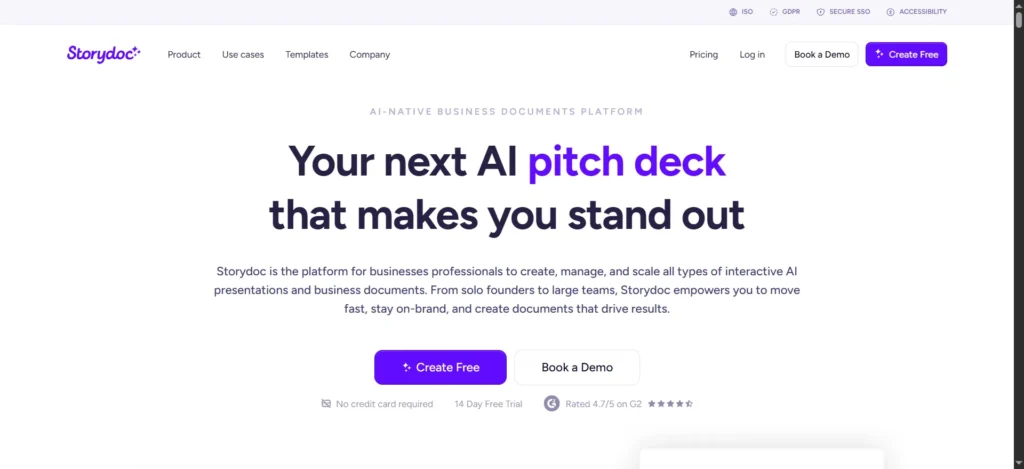
Storydoc is the leader in this new category of “interactive scroll-based brochures”Its AI can generate a complete, interactive, multi-page deck from a simple prompt or by automatically analyzing an existing website or PDF and extracting the content.
Pro Capabilities (The New “Pro”):
For Storydoc, “pro” has nothing to do with print. It is defined by a new set of B2B sales-driven features:
-
Analytics: The platform provides deep analytics, tracking “views, clicks, and engagement”. It finally answers the age-old sales question: “Did the prospect actually read my brochure?”
-
Interactivity: Users can embed elements like live videos, maps, lead-capture forms, and even Calendly links directly into the document.
-
Integrations: Storydoc connects directly to CRM like Salesforce and Hubspot , feeding engagement data back to the sales team.
Pricing:
Storydoc offers Starter, Pro, and Teams plans.The Pro plan is necessary to unlock key features like integrations and advanced analytics.
Verdict & Insight:
Storydoc represents the future of the B2B sales brochure. It “outperforms static PDF in engagement levels” because it transforms the brochure from a static “leave-behind” into a “trackable sales asset.”
-
Flipsnack
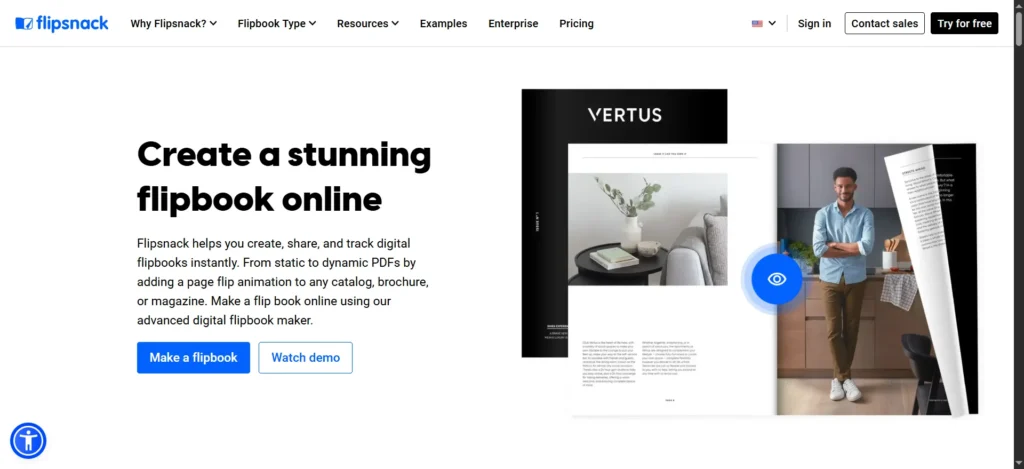
Analysis:
Flipsnack is a highly professional digital publishing platform that specializes in creating “interactive HTML flipbooks”.It is designed to perfectly replicate the experience of flipping through a physical, high-end magazine, catalog, or brochure on any device.
Pro Capabilities:
Like Storydoc, Flipsnack’s “pro” features are entirely digital. It offers “interactivity and multimedia” (embedding links, videos, and product tags), “online publishing” (hosting the content on a unique link), “analytics and lead tracking,” and “real-time editing” of published documents.
Verdict & Insight:
Flipsnack is the ideal choice for marketers who want to bridge the gap between the premium metaphor of a print brochure (the “flipbook” feel) and the data of a digital one. It is perfect for digital product catalogs, real estate lookbooks, and corporate reports where a glossy, premium feel is essential.
-
Genially
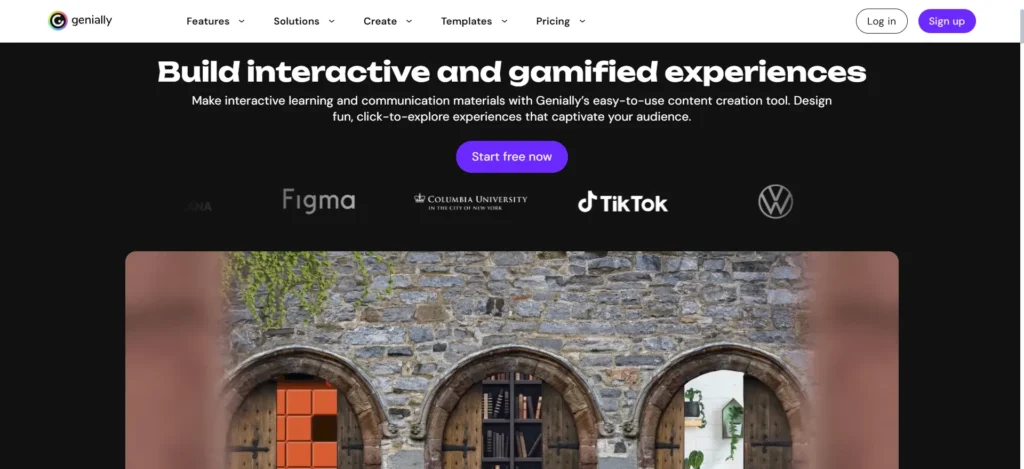
Analysis:
Genially is a specialist platform focused on maximum interactivity and “gamification”.Its AI features are unique, including an AI image generator and a text-to-speech audio generator that can create voiceovers for your brochure in over 20 languages.
Pro Capabilities:
Genially’s definition of “pro” is 100% about engagement. The entire tool is built on “no-code interactions and animations”. Users can add “hotspots,” “tooltips,” “pop-up windows,” “quizzes,” and “drag and drop” elements, turning a static brochure into an exploratory experience.
Verdict:
Genially is the top choice for educators, trainers, and marketers creating “dossiers” or “marketing proposals” where user interaction and active engagement are the primary metrics of success.
The Prosumer & Creative Suite: Best for Hands-On Designers
This section covers tools that blend powerful AI assistance with deep creative control. They target “prosumers” and designers who want AI as a co-pilot, not an auto-pilot.
-
Kittl
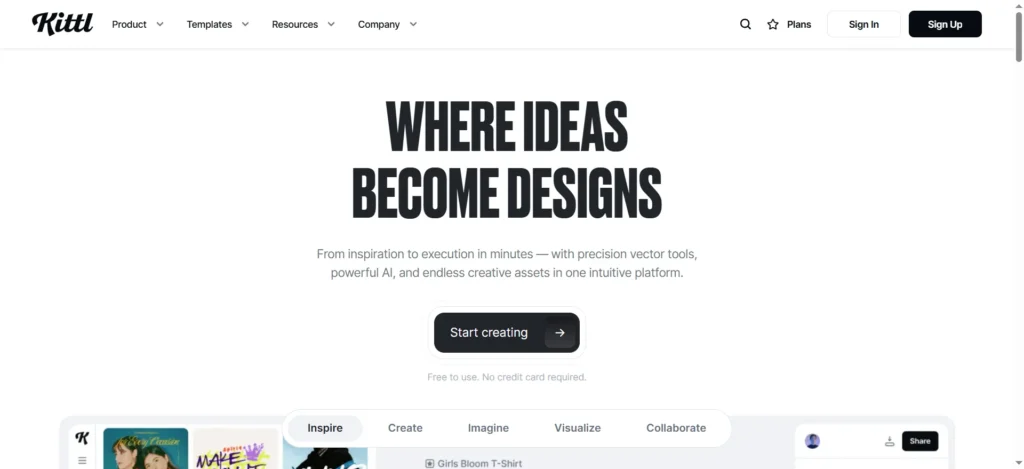
Analysis:
Kittl is a rapidly growing “prosumer” alternative to Adobe Illustrator, designed to be powerful yet accessible. Its core strengths lie in “superb typography tools” and “easy vector work”.It is aggressively integrating AI, including an “AI Vector Generator,” text-to-image, and “Kittl Flows,” a feature that can generate a complete brand kit from a single logo concept.
Pro Capabilities (Print):
Kittl’s print capabilities are a subject of debate, which reveals its target market. Some reviews claim “Full professional control” and “Print-Ready Exports (Vector/CMYK)”. However, other deep-dive reviews call its export options “limited” and “basic” (lacking formats like eps or tiff). The platform’s own tutorials clarify that exports are PNG, JPEG, SVG, and PDF.
This apparent contradiction is insight. Kittl is not built for old-school print houses. It is built for the 2026 “prosumer” whose “pro” workflow is based on high-resolution vector (SVG) and PDF files. It provides 80% of Illustrator’s power with a modern, AI-assisted interface.
Pricing:
Kittl offers a Free tier and a Pro tier (starting at $10/month) that unlocks advanced features and unlimited exports.
Verdict:
The best choice for designers, creative entrepreneurs, and “prosumers” who want AI assistance to enhance their creative control, especially over typography and vectors, rather than an AI generator to do all the work for them.
-
Marq (formerly Lucidpress)
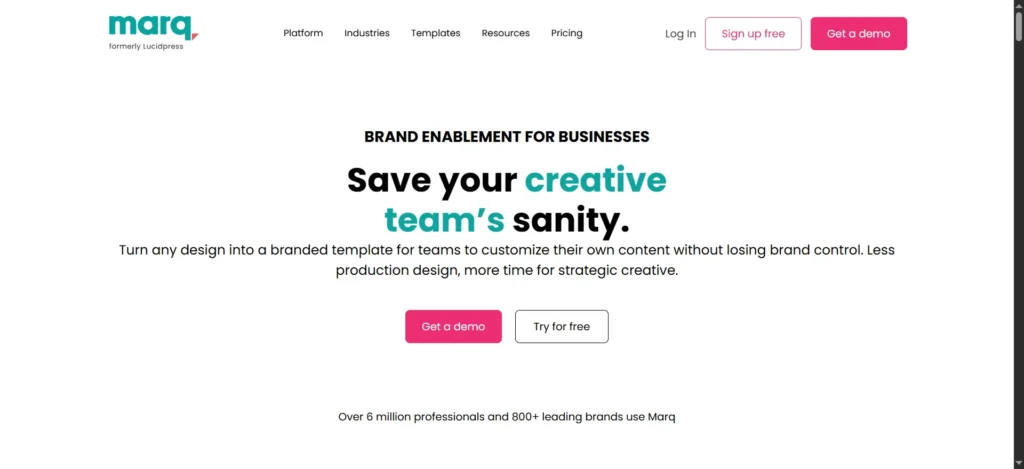
Analysis:
Marq is an enterprise-grade “brand templating” platform.It is not a simple design tool; it is a system for managing a brand at scale. It introduced “AI Marq” to assist with content and design automation.
Pro Capabilities (Enterprise):
“Pro” for Marq means brand control and automation at scale. Its features are designed for large organizations, not individuals:
-
Brand Controls: Admins can create templates and “lock” brand elements like logos, fonts, and colors.
-
Smart Fields: Templates can be built with “smart fields” that non-designers (like sales reps) can personalize with their own information.
-
Data Automation: This feature can connect a design to a CSV or Google Sheet, allowing the platform to automatically generate 100 different versions of a brochure (e.g., for 100 different real estate listings).
-
It supports all professional print and digital export formats.
Pricing:
Marq offers Free, Pro, and Team plans.The real power, including AI automation and advanced brand controls, is in the Team and Enterprise plans.
Verdict & Insight:
Marq is the true “enterprise” solution. Its AI is not for one-off creative design; it is for automating the creation of hundreds of on-brand brochures while ensuring 100% brand consistency through its “locking” features.
-
VistaCreate
Analysis:
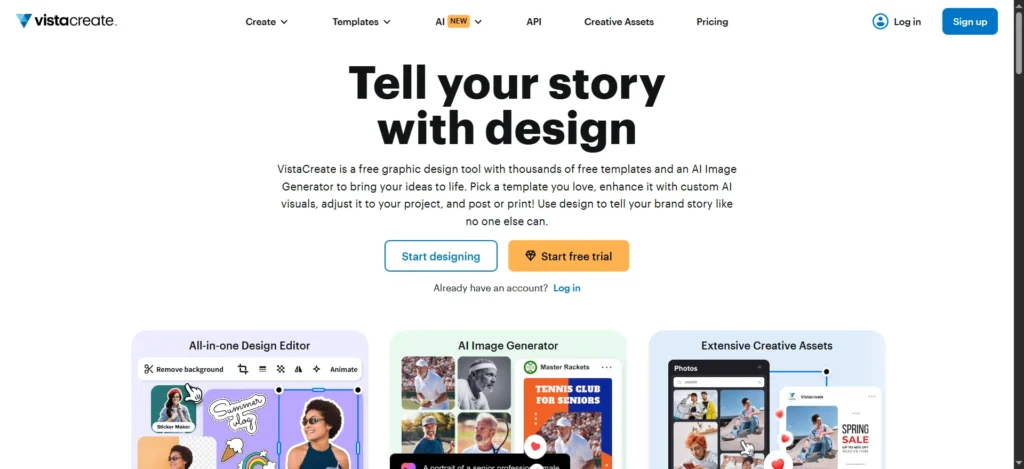
VistaCreate is a powerful and user-friendly online designer that is backed by the VistaPrint ecosystem.This connection is its primary advantage. Its Pro plan includes AI features like an “AI Image Generator” and “AI Object Remover”.
Pro Capabilities (Print):
Print is VistaCreate’s core competency. The Pro plan offers “Unlimited Brand Kits” for brand consistency. The editor has built-in “Print Guides and Bleed”.It also supports the essential CMYK color space.
But its “killer feature” is its seamless ecosystem integration. Users can design their brochure and, instead of downloading a PDF, simply click “order prints”. This sends the professionally prepared file directly to VistaPrint’s industrial presses and delivers the final product to their doorstep.
Pricing:
VistaCreate has a free “Starter” plan and a “Pro” plan.The Pro plan is required to unlock the AI tools, Brand Kits, and the full library of 170M+ stock assets.
Verdict & Insight:
VistaCreate offers the easiest and most seamless AI-to-physical-product workflow on the market. It is the best choice for small business owners who know they need a physical, professionally printed brochure and want to go from AI-assisted design to holding the final product with the least possible friction.
The Niche Specialists: AI-First Tools for Specific Tasks
This final category reviews tools that excel at one specific part of the brochure-making process. They are best used as powerful “plug-ins” to a larger workflow.
-
Narrato

Analysis:
Narrato is a “content-first” AI platform. It is not a visual design tool. Instead, it is one of the top “AI brochure generators helping marketers with high-quality brochure text”.Its AI can generate “up to 10 pages of brochure content” in over 40 languages , all while matching a specific brand “tone” and “mood”.
Pro Capabilities:
Narrato is a complete content workflow and project management platform with over 100 AI content tools. It is designed to create the copy for the brochure, not the brochure itself. Its exports are “Content Download & HTML” , not print-ready PDFs.
Pricing:
Narrato offers Free, Pro, and Business plans.
Verdict & Insight:
Narrato solves the “what do I say?” problem. It is the perfect pre-production tool for marketers who struggle with copywriting. The correct workflow is to use Narrato’s AI to generate 10 pages of high-quality, on-brand text, and then paste that professional content into a “pro” design tool like Adobe Express or Canva.
-
Designhill
Analysis:
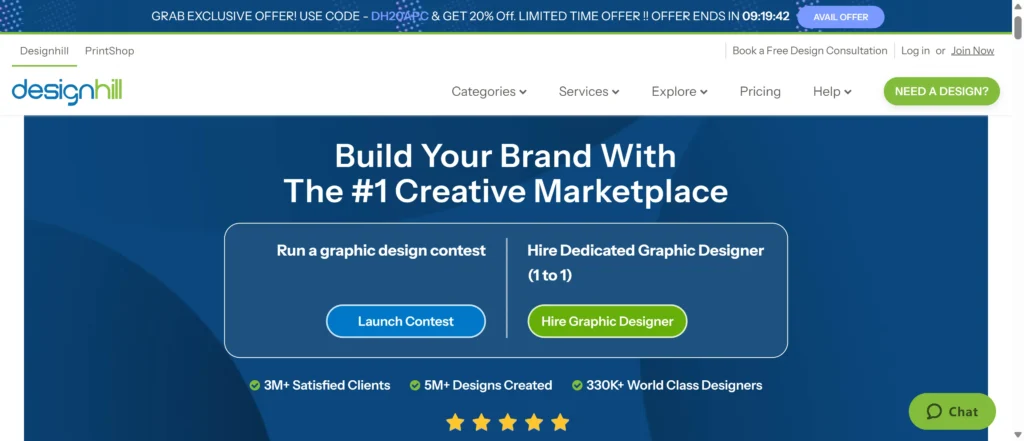
Designhill is a unique hybrid of an “AI-powered tool” 66 and a “creative marketplace” of over 150,000 designers. When a user needs a brochure, they can input their preferences, and the AI will “generate hundreds of design options in seconds”.
Pro Capabilities (Print):
The platform is built for professional output. Its key benefit is that when a user finalizes an AI-generated design, they receive “high-resolution vector files” (SVG, PDF, PNG, JPEG) and “full copyright ownership”. This is a significant step up from tools that lock users into a proprietary ecosystem. It also features a “Brand Kit Generator”.
Verdict:
A great tool for “ideation.” A user can leverage AI to generate hundreds of concepts, pick a winner, and receive a professional-grade vector file that can be edited further or sent directly to a printer.
-
Fotor

Analysis:
Fotor began as a powerful online photo editor and has expanded into an all-in-one AI design tool.It offers over 500 brochure templates.Its AI strength, unsurprisingly, lies in image creation (“AI Generator”) and advanced photo editing (“AI Enhancer,” “AI Remover”).
Pro Capabilities:
Fotor is a “prosumer” photo tool first. While it can export to PDF , it is a digital-first tool that lacks the explicit CMYK and bleed settings required for professional offset printing.
Pricing:
A Fotor Pro plan is available to unlock the advanced AI tools, premium templates, and HD downloads.
Verdict:
The best choice for photo-centric brochures, such as for real estate, food, or travel. The ideal workflow is to use Fotor’s powerful AI to generate or perfect the brochure’s images, then place those stunning visuals into one of its simple, effective templates.
-
(Bonus) The Professional Baseline: Scribus
Analysis:
To truly understand “pro” design, we must include the professional benchmark. Scribus is a free, open-source desktop publishing (DTP) program.It has zero AI. It has a “steeper learning curve” and is not for beginners.
However, Scribus has everything the professional print workflow demands, for free. It offers full, native CMYK color support , meticulous document setup for bleeds , and professional-grade export to technical formats like PDF/X-1a.
Verdict & Insight:
Scribus is the “control group” for this entire report. It represents technical print perfection. It provides the critical benchmark that allows us to judge the “pro” claims of the AI tools. The “best” AI print tools—like Adobe Express, Canva Pro, and Venngage—are the ones that use AI-driven ease of use to get you closest to the technically perfect output of Scribus.
Strategic Guide: How to Choose Your AI Brochure Generator in 2026
Your choice should not be based on which tool has the “best AI,” but on which tool is built for your final product. Use this framework to make your decision.
Analysis 1: Digital-First vs. Print-Ready (The Core Conflict)
This is the most important question you must answer.
-
If your goal is a trackable, web-based sales tool: You must prioritize analytics and integrations. Your best choices are Storydoc (for interactive sales decks), Flipsnack (for digital catalogs), and Genially (for interactive/educational content).
-
If your goal is a professionally printed physical brochure: You must choose a tool with $CMYK$ and bleed support. Your best choices are Adobe Express (for ecosystem power), Canva Pro (for all-in-one ease), Venngage (for data-heavy reports), and VistaCreate (for the easiest print-ordering).
-
The “Trap”: Beware of tools like Piktochart and Visme. They promise “print” but only deliver high-quality RGB PDFs, which are unsuitable for professional offset printing and will result in color-matching failures.
Analysis 2: Generator vs. Assistant (Level of Control)
How much work do you want the AI to do?
-
You want AI to do 90% of the work (Generator): Choose a tool with strong “prompt-to-design” features. Your best choices are Venngage , Piktochart , or Microsoft Designer (for digital assets).
-
You want AI as a “co-pilot” (Assistant): Choose a tool that enhances your creative control. Your best choices are Kittl (for vector/typography), Adobe Express (for generative image editing), or Canva (for all-around layout).
Analysis 3: The Enterprise-Ready Check (Brand Consistency)
As AI makes content generation easy , brand consistency becomes the new bottleneck. If 100 employees generate 100 different “AI brochures,” the result is brand chaos.
For any professional business, a Brand Kit is a non-negotiable feature. This feature is the defining characteristic of a “pro” business tool.
For large organizations, the most “pro” solution is an enterprise-grade brand templating system like Marq. Its “locking” features and AI-driven automation are specifically designed to solve this AI governance problem, ensuring 100% brand consistency at scale.
Final Verdict: Your AI Design Co-Pilot for 2026
The era of spending weeks of manual effort on a single brochure is definitively over. By 2026, AI is not a gimmick; it is the fundamental core of the creative workflow.
The “best” tool is no longer a replacement for a professional designer but a powerful “co-pilot” for marketers, sales teams, and educators. This technology, whether for a brochure or a presentation, is about finding “the smart way to create” and “transform[ing] your ideas… effortlessly”. The key is to move from hours of manual work to an impactful, professional-grade result in seconds.
Your success depends on choosing the generator that is truly built for your final product—be it a pixel-perfect, CMYK print file or a data-driven, interactive digital experience.
Create worry-free presentations with AutoPPT . Turn your ideas into slides quickly—while keeping them 100% yours!
About AutoPPT: An easy use AI tool for students and professionals. Generate editable slides, customize designs, and focus on what matters—your unique ideas.

Autoppt: Generate presentations in 1 minute!
Start Free Trail Now