Autoppt – AI-Powered Presentation Creation
What it does: Autoppt helps small businesses create professional, branded presentations in minutes using AI. Whether you’re pitching to clients, preparing investor decks, or training your team, Autoppt turns simple inputs (like outlines or prompts) into beautiful, editable presentations — all within seconds.
Why it’s great for small businesses: Autoppt saves hours of manual design work. It requires
no design skills and ensures every slide looks clean, consistent, and on-brand. You can also customize slides easily, making it a perfect tool for busy entrepreneurs and small teams. Its ease of use, speed, and quality make it a standout choice for anyone who creates presentations regularly.
Real-world usage: Small business owners love how Autoppt takes the stress out of presentation creation. Many report saving several hours per week and gaining confidence in client-facing presentations thanks to Autoppt’s polished results.
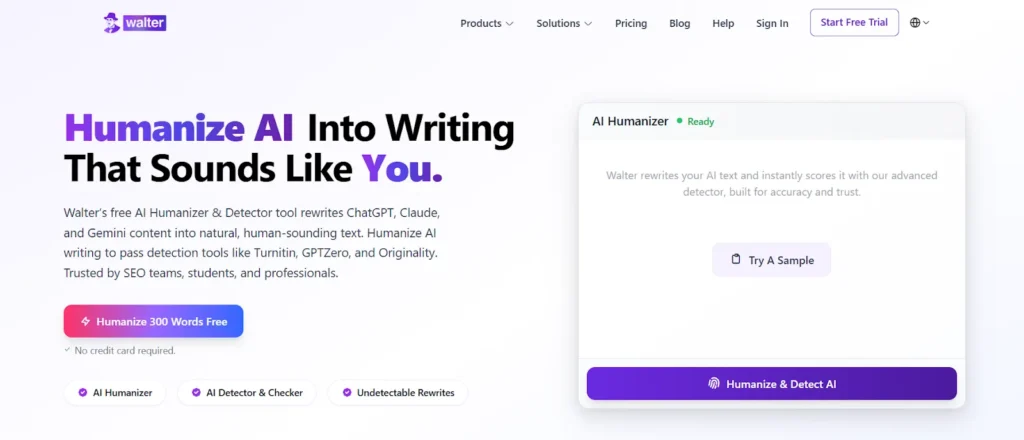
Walter AI is a text-refining AI tool used by students to help refine AI-generated text so it sounds naturally written without violating academic integrity. Rather than creating new writing from scratch, Walter AI utilizes the user’s current writing to humanize and reorganize it; thus, the user can avoid AI-detecting systems responsibly and see what their work will look like before they submit it. Walter AI is ideal for use on essays, assignments and drafts of academic papers.
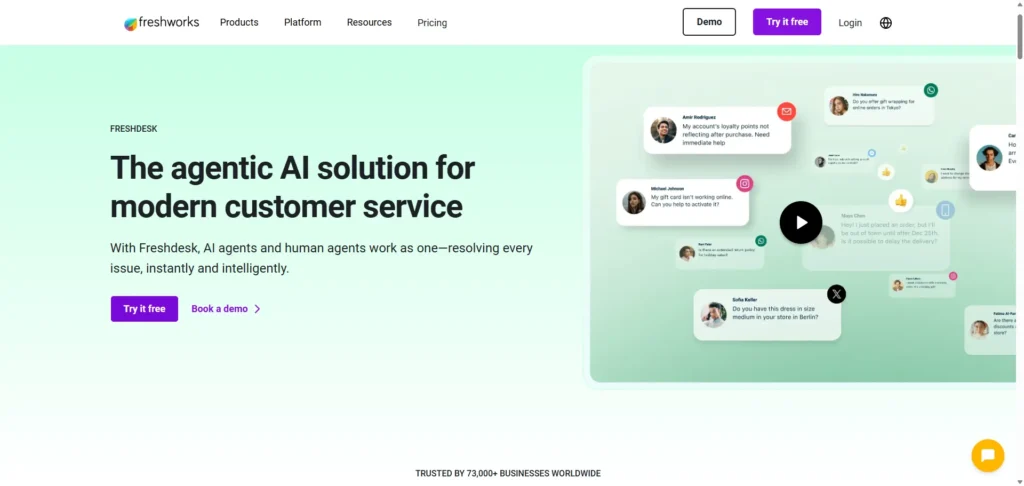
Freshdesk Freddy AI Copilot – Smarter Customer Support
What it does: Freddy AI assists customer service agents by generating reply suggestions, summarizing threads, providing real-time translations (60+ languages), and analyzing customer sentiment.
Drawbacks: Though powerful, Freddy AI starts at $29/agent/month, which can be expensive for very small teams or startups with high customer support volume. Pricing increases with advanced features, potentially limiting its accessibility.
User feedback: Businesses report major improvements in response time and agent productivity — some cutting first response time by 80–90%. However, budget constraints can be a concern.
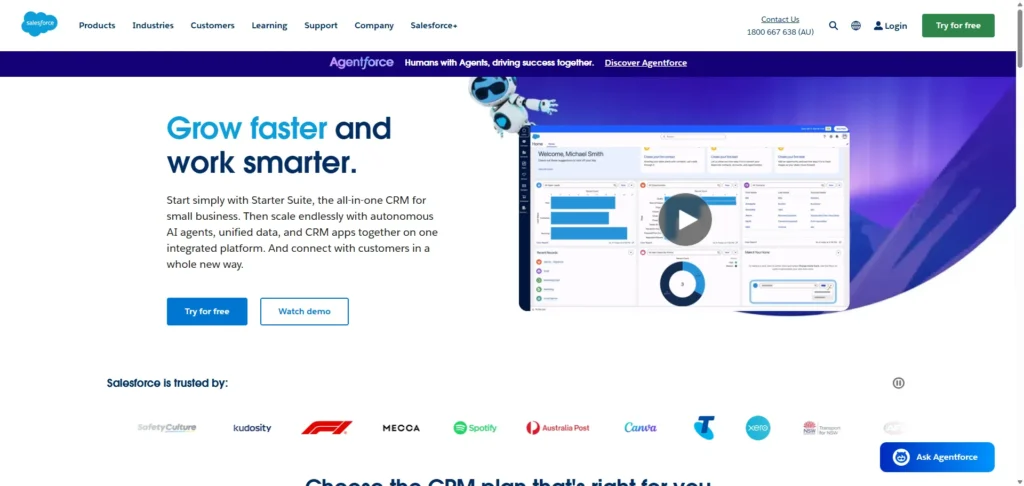
Salesforce Agentforce Assistant – Enterprise-Grade AI Agents
What it does: A robust platform for building AI agents across sales, marketing, and customer service. Includes automation, appointment booking, deep research, and data analysis.
Drawbacks: It’s a powerful tool — but built for enterprise. Setup can be complex and costly. Many features are locked behind higher-tier Salesforce plans, making it less practical for small businesses with tight budgets or limited IT support.
User feedback: Great for streamlining workflows and lead prioritization — but often seen as too heavy for small teams.
Microsoft 365 Copilot – Your Everyday Office Assistant
What it does: Integrated into Word, Excel, Outlook, PowerPoint, and Teams, it helps users draft content, analyze spreadsheets, summarize meetings, and automate routine work.
Drawbacks: Requires an active Microsoft 365 subscription, and Copilot access may involve additional charges. Some users also say its full potential is only unlocked with daily use and full ecosystem integration.
User feedback: Helpful for day-to-day tasks, but not always a game-changer for businesses already working efficiently with existing tools.
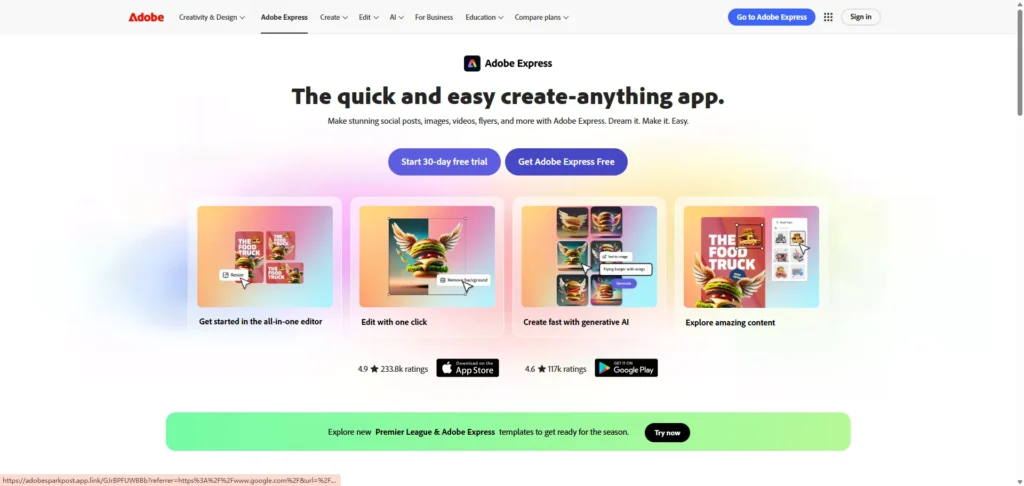
Adobe Express – Easy AI Design for Non-Designers
What it does: A fast, AI-assisted tool for creating social media graphics, videos, logos, and marketing content — all powered by Adobe Firefly AI.
Drawbacks: The free version is limited. More advanced features require Creative Cloud subscriptions. Some users also find the AI-generated visuals need manual adjustments for a truly custom feel.
User feedback: Perfect for small business owners without design backgrounds, though some express frustration with the need for manual tweaks and subscription barriers.
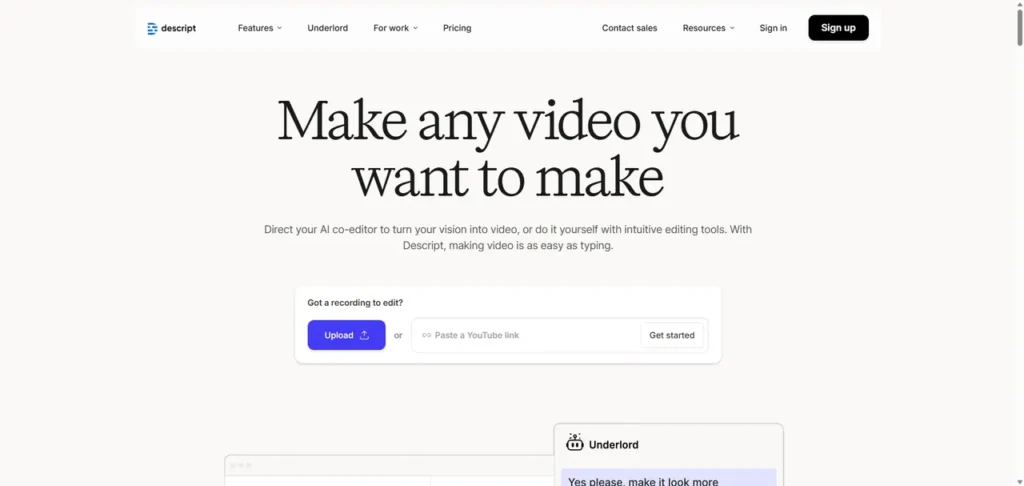
Descript – Fast Video & Podcast Editing
What it does: Descript lets you edit video/audio as if you’re editing text. It includes AI transcription, filler word removal, voice cloning, and green screen features.
Drawbacks: The free version is limited in usage, and paid plans can be pricey for creators producing a lot of content. Some users also report bugs or software lags with large projects.
User feedback: Highly rated for content repurposing and production speed. Especially useful for marketing, training, or podcast content — just be ready for occasional manual fixes.
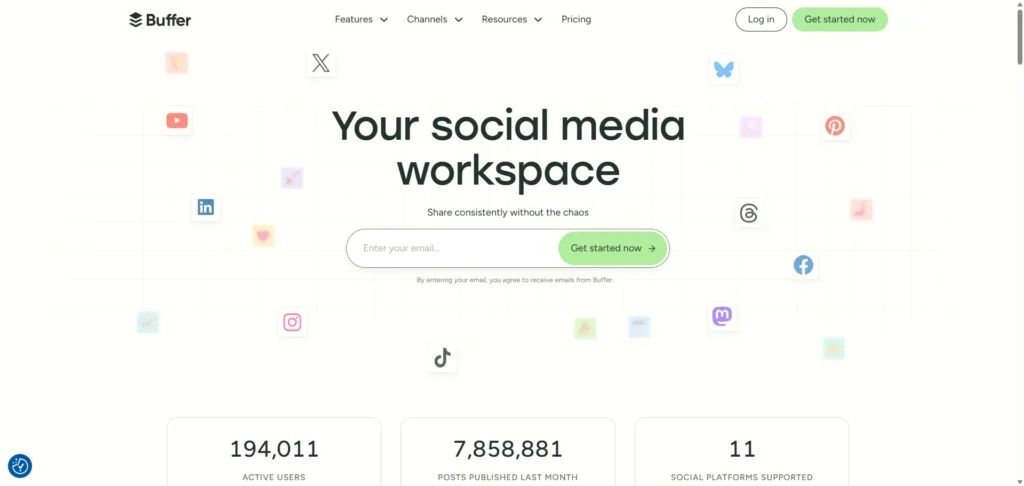
Buffer – Smarter Social Media Management
What it does: Buffer helps plan, schedule, and post content across multiple social channels. It includes an AI writing assistant and performance analytics.
Drawbacks: Advanced features require paid plans. The AI assistant may need editing to match your brand’s tone. Some users feel the analytics lack depth compared to dedicated tools.
User feedback: A go-to for small teams who want consistent posting and time-saving automation, especially across many platforms.
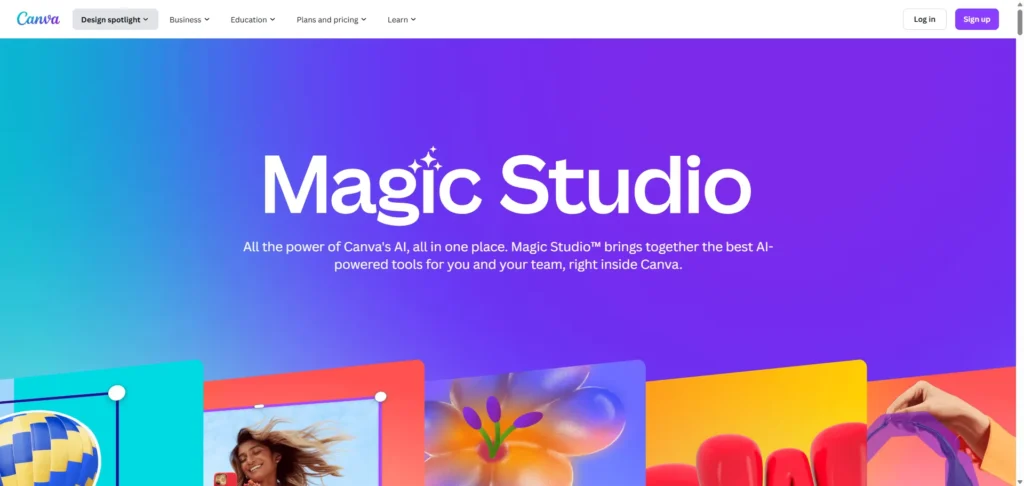
Canva Magic Studio – Design with AI Superpowers
What it does: Includes Magic Design (auto-layouts), Magic Edit (object changes), and Magic Write (AI copywriting). It transforms text and images into full designs in seconds.
Drawbacks: Many AI features are locked behind Pro subscriptions. Some AI designs feel too generic and may require manual personalization. Template reliance can limit creative freedom.
User feedback: Great for quick social posts and promotional materials, but ideal results often need tweaking.
Grammarly – AI Writing Assistant
What it does: Grammarly checks spelling, grammar, clarity, and tone. It also generates text using AI and offers suggestions across multiple platforms (emails, websites, docs).
Drawbacks: Many of the advanced features — including
AI prompts and tone editing — are only available in the paid plan. Some suggestions can feel overly rigid or context-insensitive.
User feedback: Loved by small business owners for improving professionalism in written communication. Some say it’s like having a full-time proofreader, but cost can add up for teams.
Jasper – AI for Marketing Teams
What it does: Jasper offers AI content generation tools for marketing: ads, blogs, emails, social posts, and landing pages — all customizable by tone, audience, and goal.
Drawbacks: It’s a premium tool with pricing that may not suit early-stage businesses. Like most AI writers, Jasper-generated content still benefits from human editing for nuance and originality.
User feedback: Effective for speeding up marketing workflows and generating drafts quickly, but it’s best for teams that already have a defined brand voice and editing process.
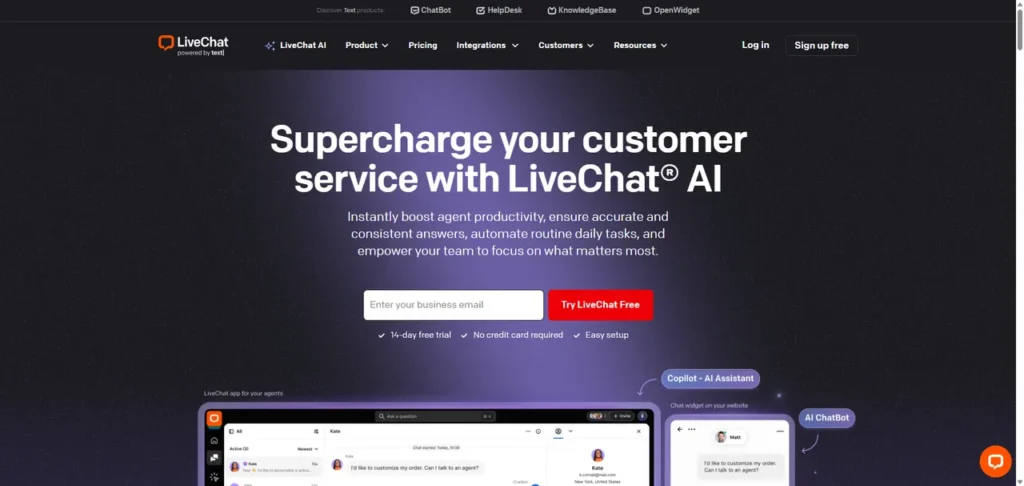
LiveChat with AI Copilot – Instant Support for Your Website
What it does: LiveChat enables real-time customer communication, supported by AI chatbots and Copilot features like real-time insights, tagging, and summarization.
Drawbacks: It’s a paid service, and costs can increase quickly with more agents or heavy usage. AI chatbot setup also requires time and careful training for best results.
User feedback: Great for boosting customer satisfaction and online sales. Especially effective for e-commerce, though configuration and scaling may be challenging for solo founders.
Conclusion
The smartest small businesses in 2026 aren’t hiring more people; they are empowering their existing teams with better tools.
Don’t try to adopt all 11 tools at once. Start with the areas that drain your time the most. If client communication and pitching are your bottlenecks, Autoppt is the immediate solution to reclaim your hours and look more professional in front of investors.
Create worry-free presentations with
AutoPPT . Turn your ideas into slides quickly—while keeping them 100%
yours!
Try Autoppt for Free